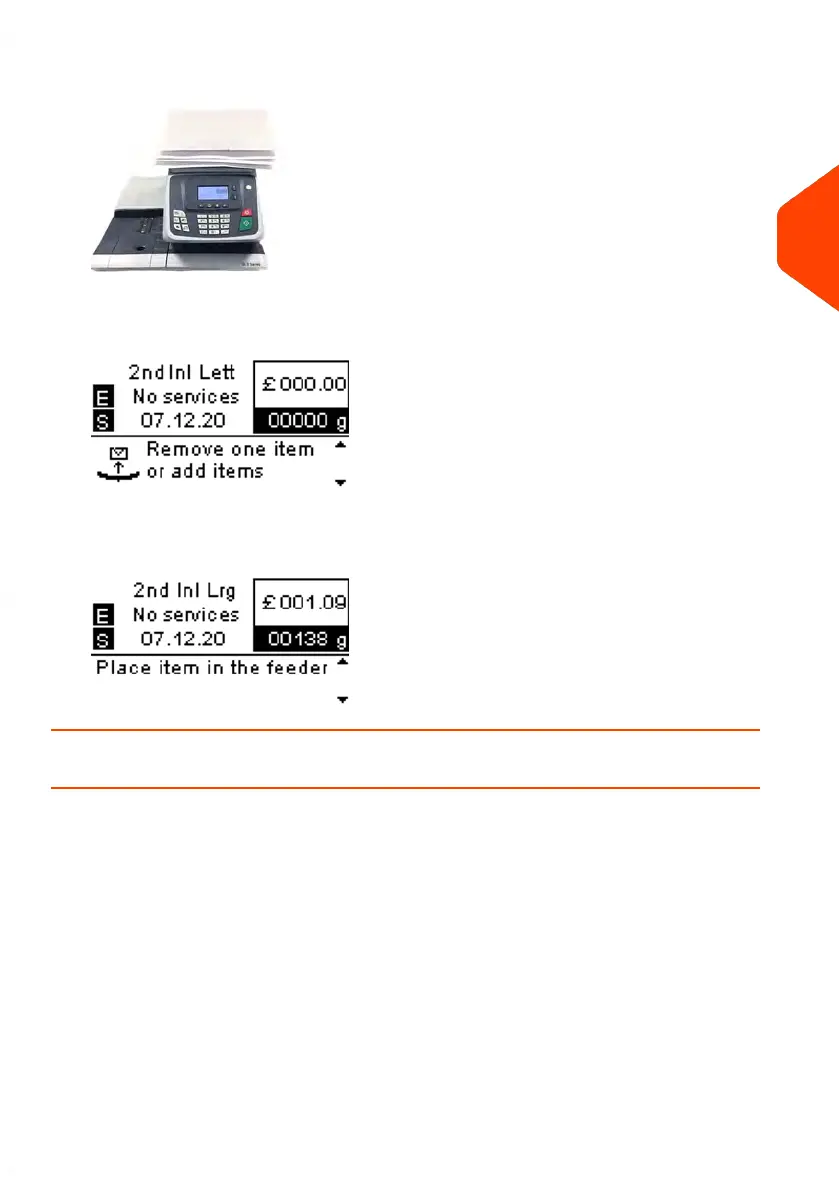
2. Place the mail piece on Weighing Platform.
3. As you remove each piece the weight and selected rate and services is displayed
for the piece that is removed.
4. Run the piece through the mailing system to be imprinted with the indicia.
How to Enter the Weight Manually
Manual Weight Entry
Manual Weighing allows you to enter the weight manually. You may have to enter the
weight manually if a mail piece exceeds the weighing capacity of your Scale.
To enter the weight manually from the home screen, you must first select the postal
class:
3
Processing Mail
65
| Page 65 | Jun-21-2021 09:24 |















 To Next Page