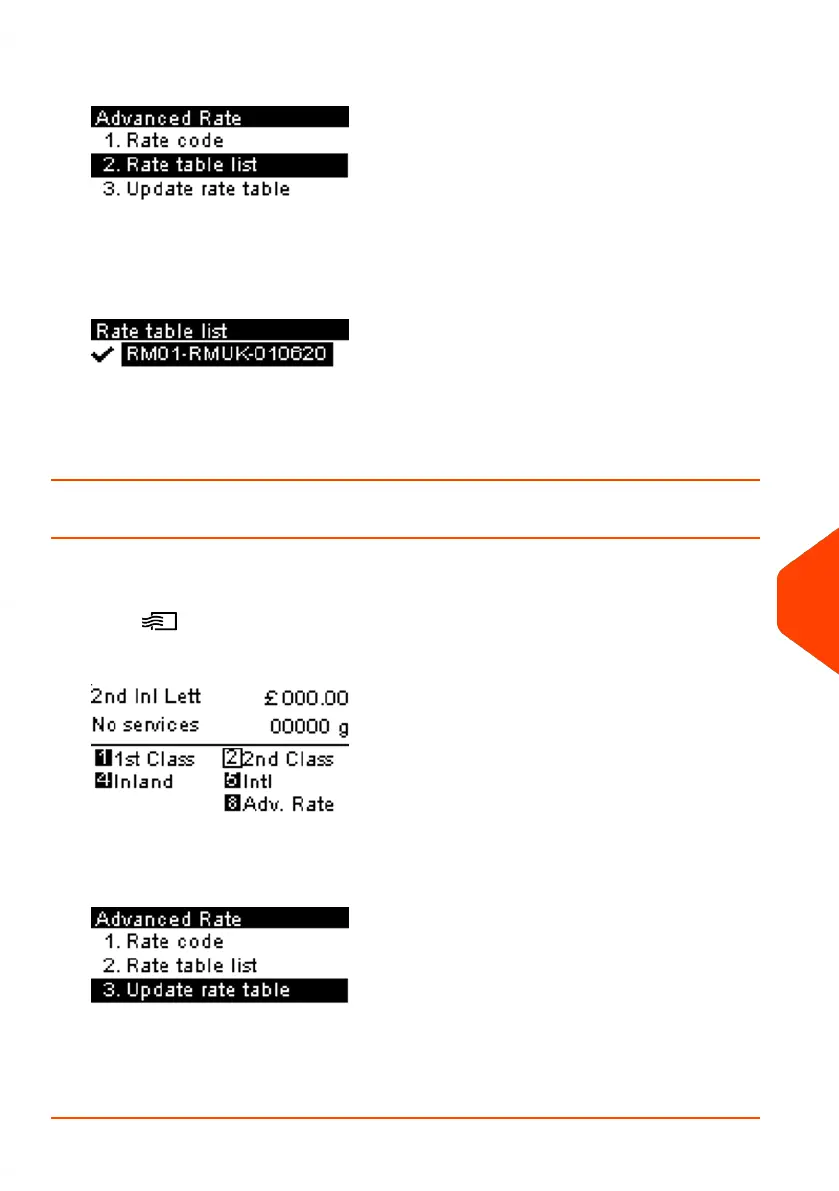
3. Select Rate Table List.
4. The display shows the Rate Files loaded in the system and indicates which rate
file is in use.
Download New Rates
To download new rates:
1.
Press .
The Rate Selection screen is displayed.
Press 8 to select the Adv. Rate.
2. Select Update rate table and press [OK].
The Mailing System connects to the Online Services server and downloads available
rates.
11
Options and Updates
237
| Page 237 | Jun-21-2021 09:24 |















 To Next Page