Date and Time10.7
How to Adjust the Machine Time and Date
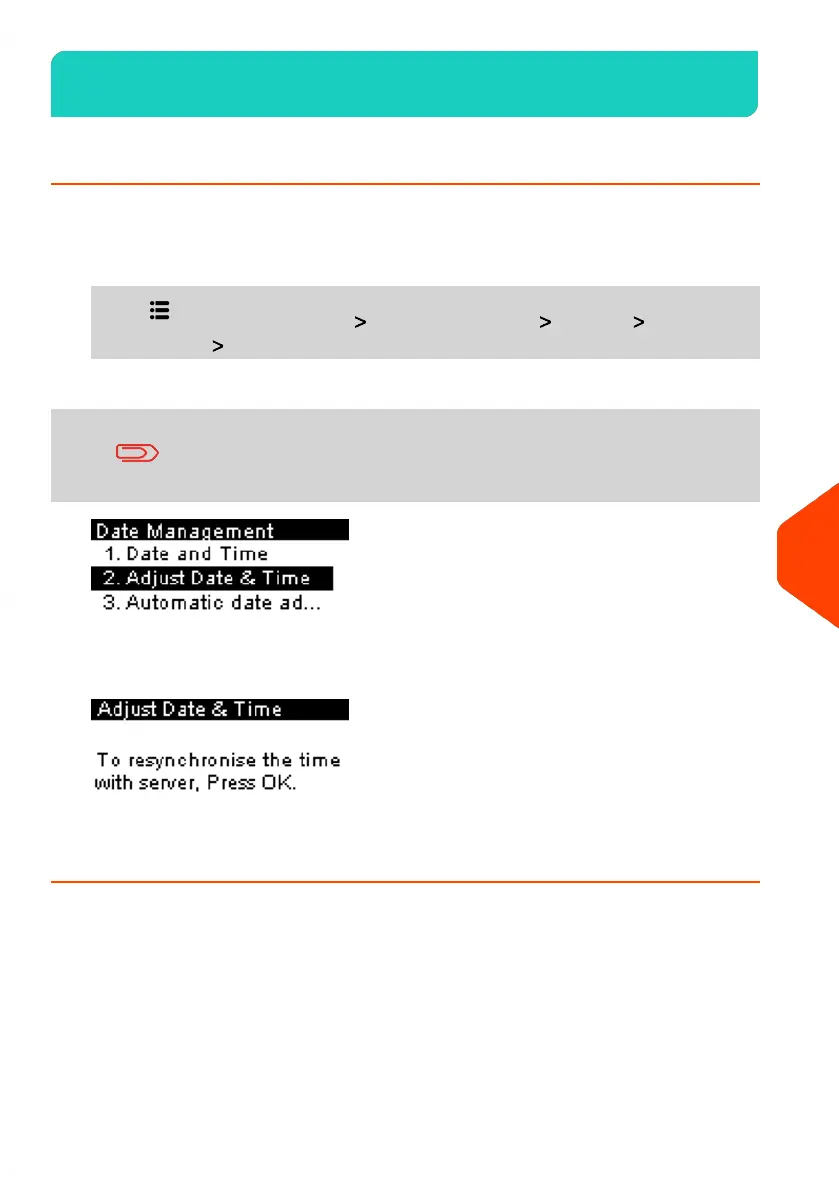
To adjust the current time and date:
1. From the home screen:
Press and select the path: Advanced Settings Settings Date
Management Adjust Date & Time
If you are processing postage at the time when the system clock
adjusts for daylight savings time, the Mailing System will wait
until you are finished before displaying the new time.
2. To resynchronise the time with server, press [OK].
3. Press [OK] to connect Postal Server.
205
| Page 205 | | Jun-21-2021 09:24 |
10
Configuring your Mailing System















 To Next Page