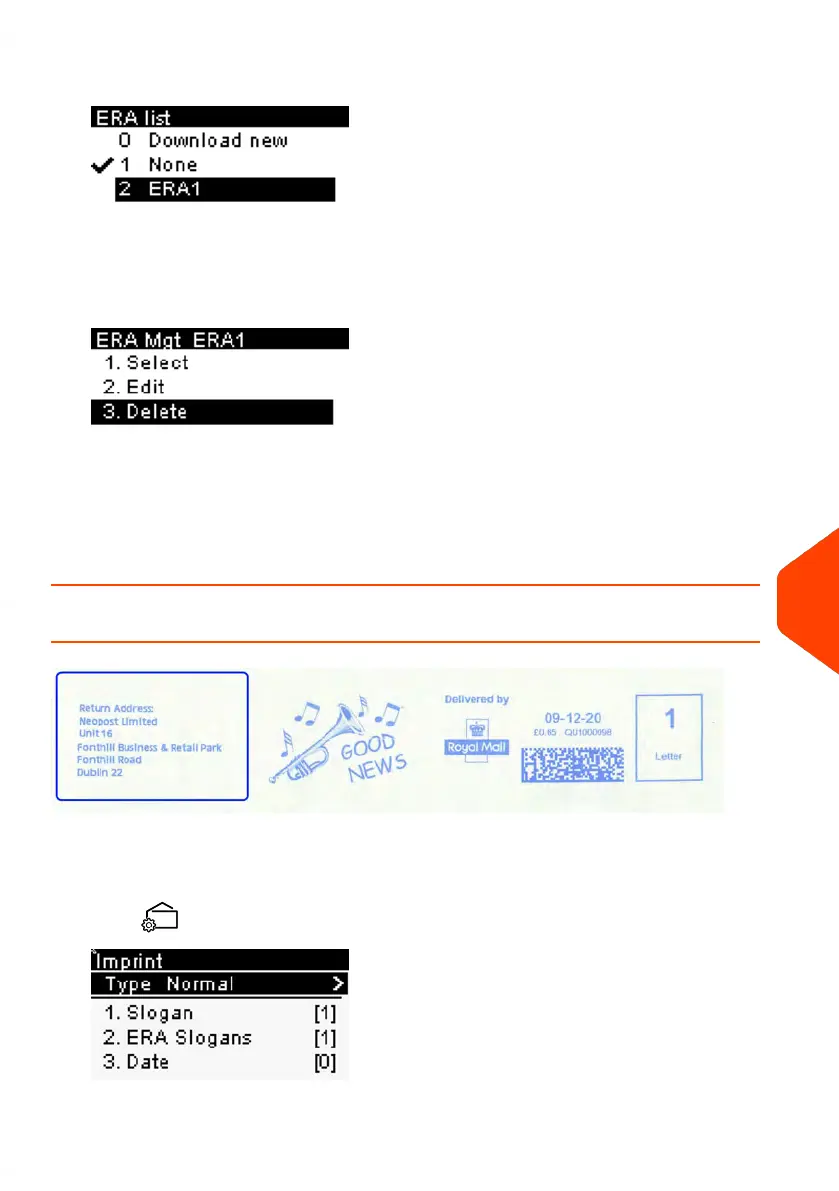
3. Select the ERA and press [OK].
The ERA Management screen is displayed.
4. Select Delete.
The system asks for a confirmation.
5. Press [OK] to confirm deletion.
The system updates the ERA list.
How to Download New ERAs
To download new ERAs:
1. From the home screen:
Press .
11
Options and Updates
221
| Page 221 | Jun-21-2021 09:24 |















 To Next Page