Shipping Application Mode
Shipping application is a PC Application that communicates to the Mailing System to
transfer the weight value.
When the Shipping Application Mode is activated, the weight value is communicated
by the Mailing System to the Shipping Application.
The function Shipping Application Mode can be activated/de-activated.
How to activate / de-activate Shipping application mode
To activate/de-activate 'Shipping application mode':
1. From the home screen:
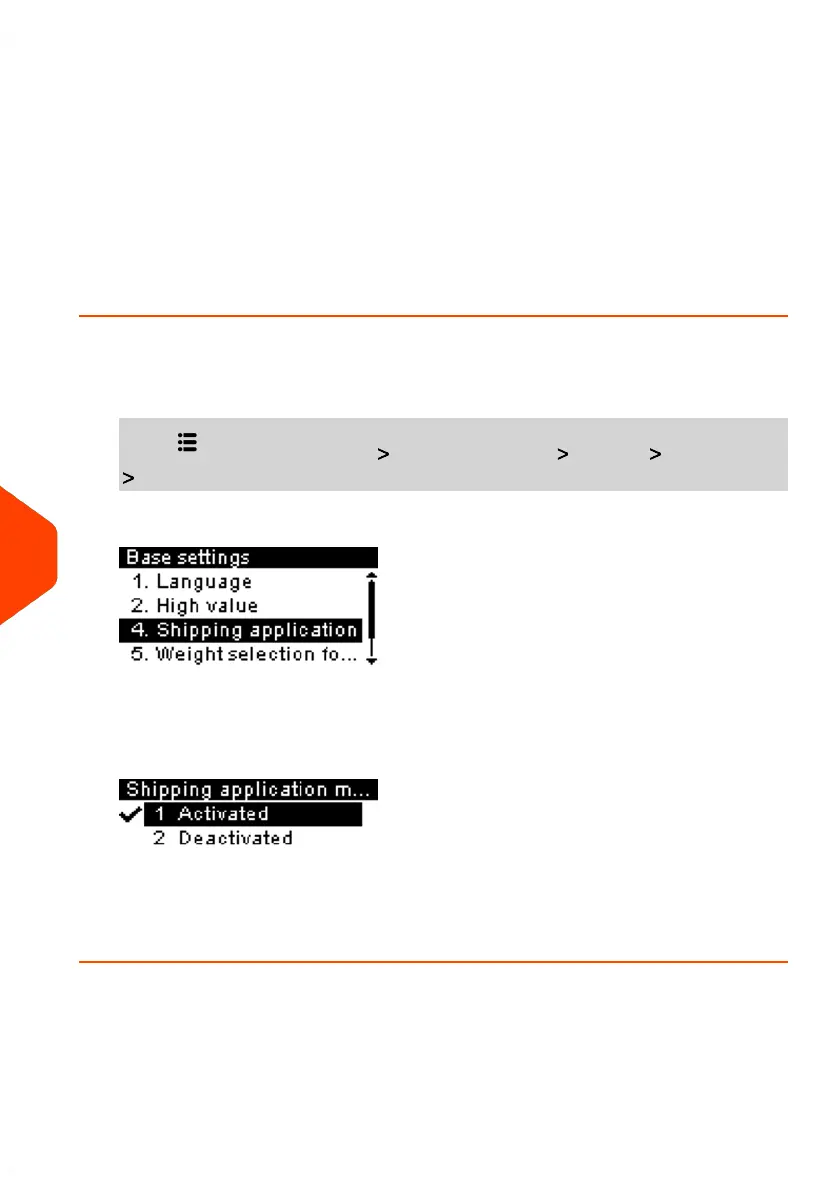
Press and select the path: Advanced Settings Settings Base Settings
Shipping application mode
The Shipping application mode screen is displayed.
2. Select Activated to start active Shipping application mode or Deactivated to
deactivate this mode.
3. Click [OK] to validate your selection.
194
| Page 194 | Jun-21-2021 09:24 |
10
Configuring your Mailing System















 To Next Page