Change Current Account6.8
How to Change Account
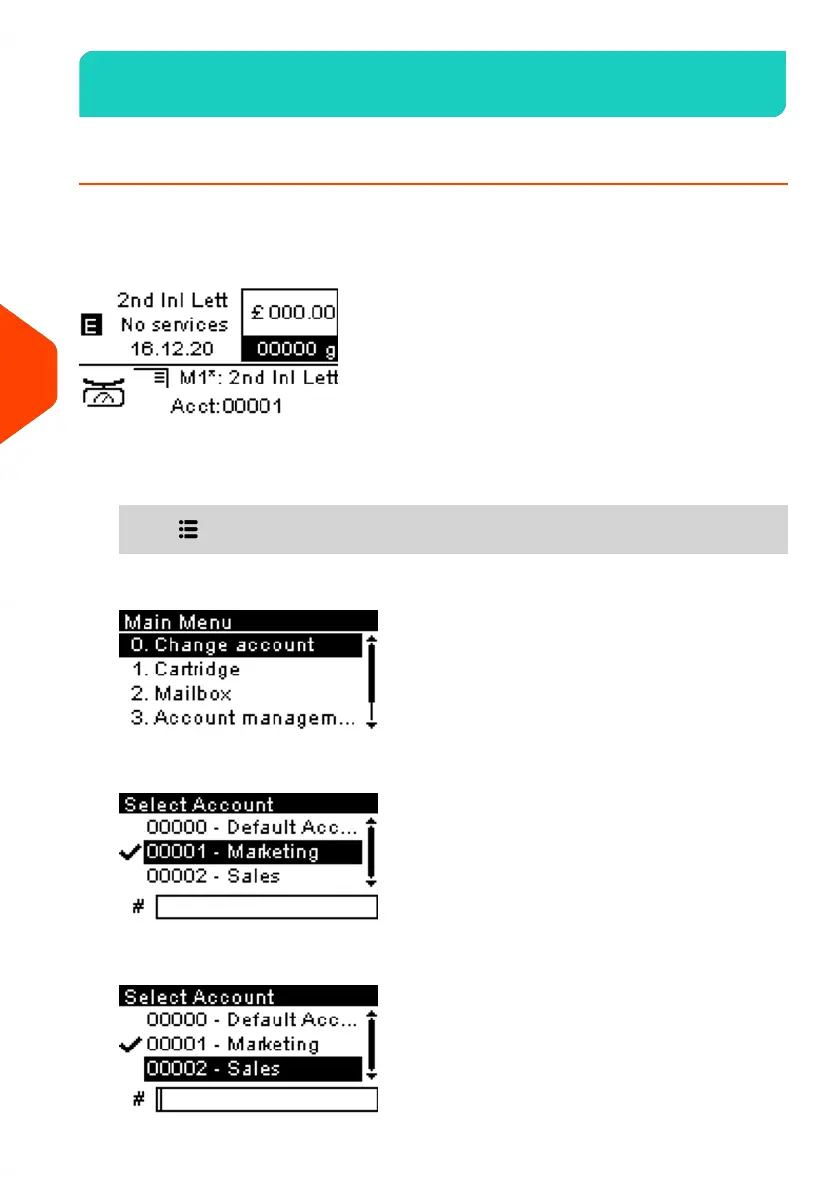
You can change the account to charge to any account created.
In this example, we will change from "Marketing (account 00001)" to "Sales (account
00002)".
To change accounts:
1. As a user:
Press and select the path: Change Account
The list of accounts that are available is displayed.
2. Select the account you want to use and press [OK].
144
| Page 144 | Jun-21-2021 09:24 |
6
Accounts and Access Control















 To Next Page