3.
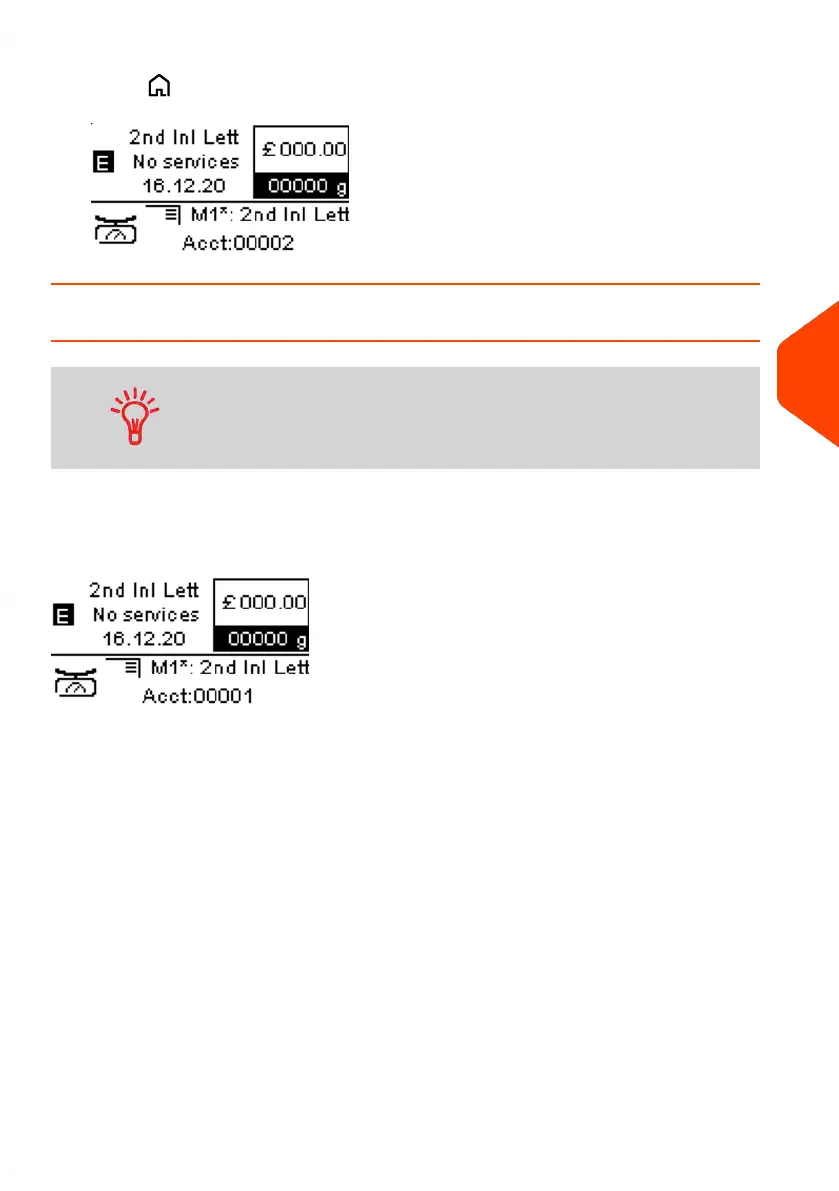
Press to return to the home screen. The current account number is displayed.
How to Change Account with a Barcode Scanner
• Before using a barcode scanner with the system, it must
be setup and configured by a Quadient service technician.
• The barcode sheet of accounts that you create should be
Free 3 of 9.
A barcode scanner can be used for “One Click” entry of accounts into your Mailing
System. You can change the account to charge to any account created.
In this example, we will change from "Marketing (account 00001)" to "Sales (account
00002)".
To change accounts with a barcode scanner:
6
Accounts and Access Control
145
| Page 145 | Jun-21-2021 09:24 |















 To Next Page