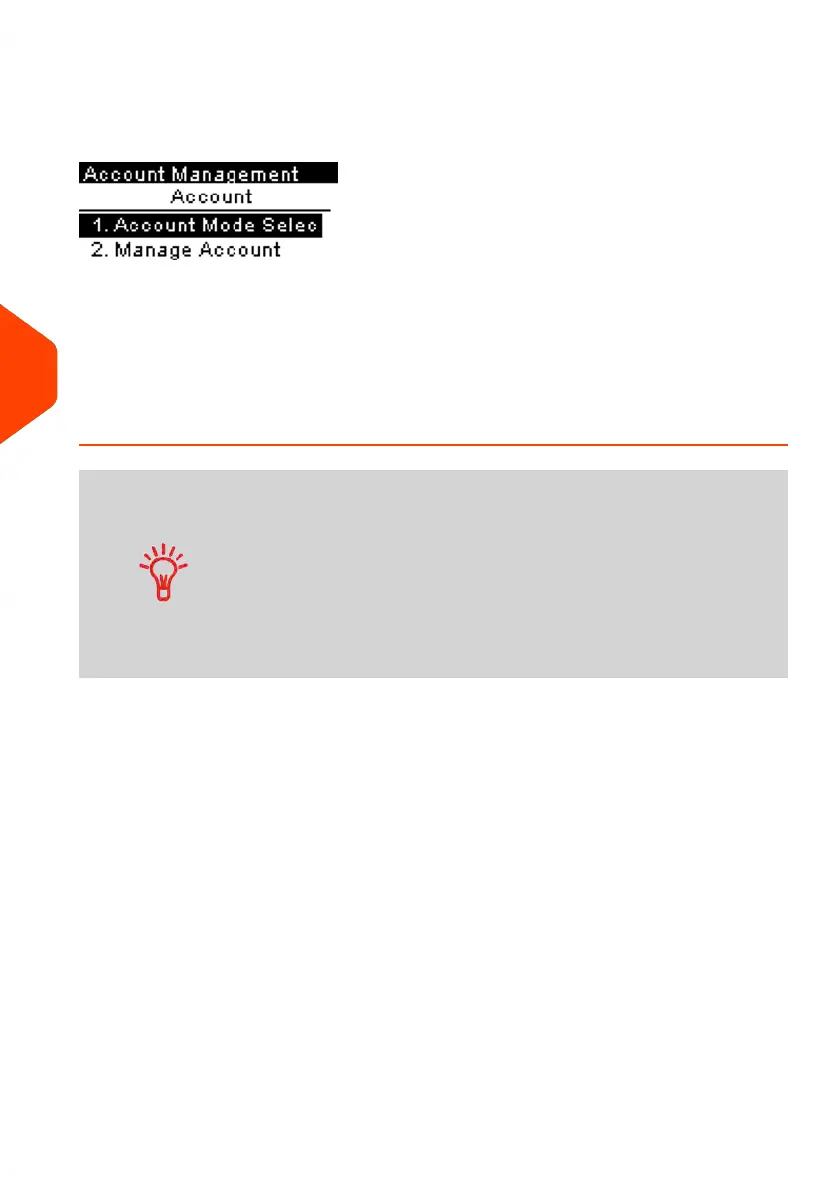
'Account' Mode Management Menu
In Account Mode, the menu allows you to manage your accounts.
See also
• To add, modify or delete accounts, see Managing Accounts on page 127.
How to Display and Change to 'Account with PIN Code'
Mode
Account With PIN Code
• Postage usage is tracked by account.
• User must select an account when processing mail.
• A PIN number is required to access functions and process
mail.
• To use this mode, the system must have at least one
account created.
• If only one account is available, the Mailing System
automatically selects it at start up.
To display and change the 'Account mode' to Account with PIN Code:
120
| Page 120 | Jun-21-2021 09:24 |
6
Accounts and Access Control















 To Next Page