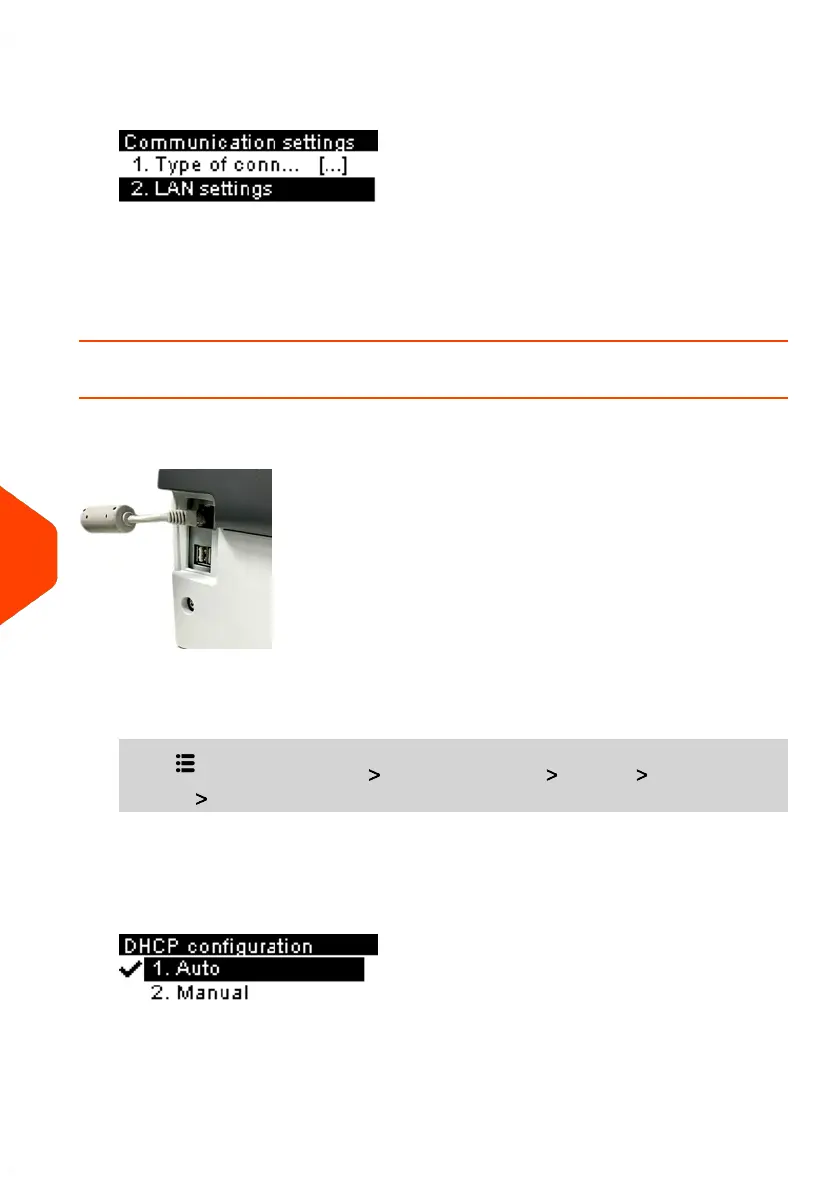
2. To use LAN:
- The LAN, select LAN settings and press [OK].
See also
• To physically connect the LAN to the base, see Connection Diagram on page 21.
How to Set LAN Parameters
LAN settings can only be performed if the machine was actually connected to the LAN
at power-up.
To set the parameters of the LAN:
1. From the home screen:
Press and select the path: Advanced Settings Settings Communication
settings LAN settings
The DHCP configuration is displayed.
2. Select Auto to automatically configure the LAN (recommended).
202
| Page 202 | Jun-21-2021 09:24 |
10
Configuring your Mailing System















 To Next Page