Display Settings10.1
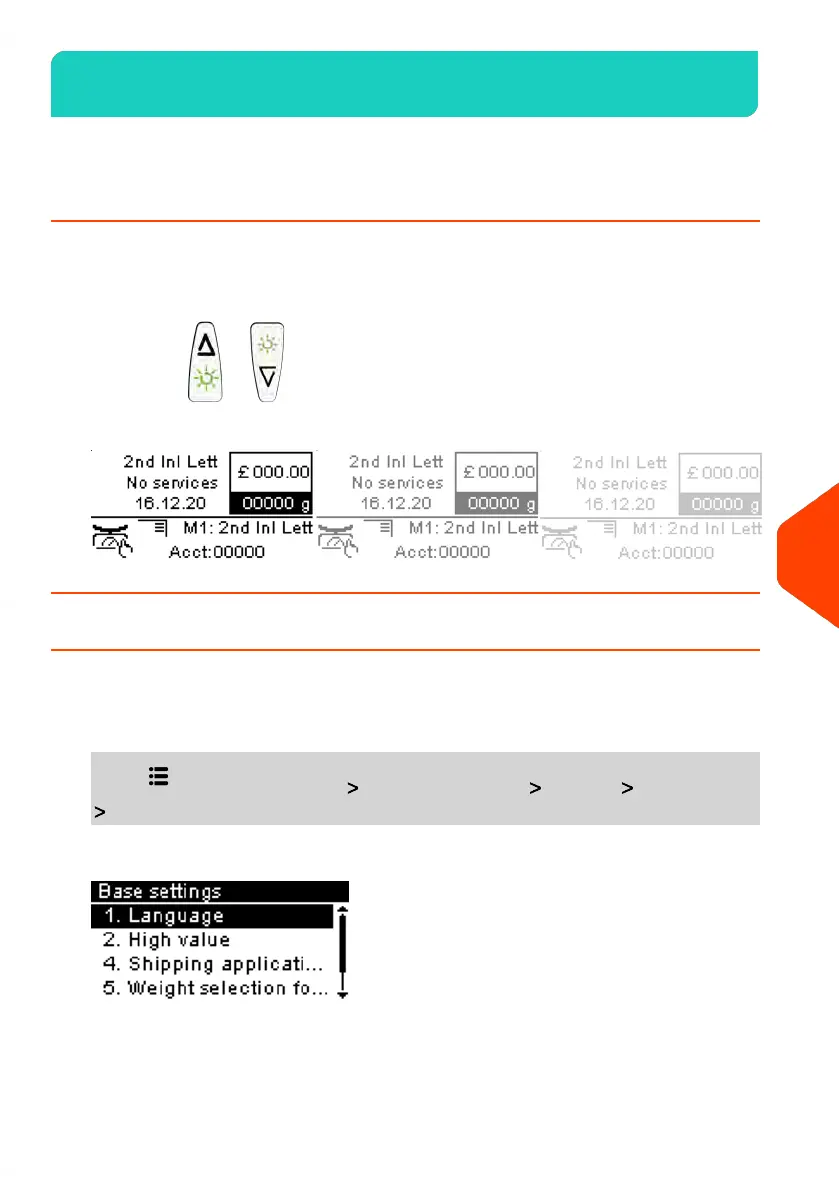
You can adjust the contrast of the display for bright or dark working environments.
How to Adjust the Display Contrast
To adjust the display contrast:
1. From the home screen:
Long press or to increase or decrease the contrast.
The screen updates immediately.
How to Change the Display Language
To change the current display language:
1. From the home screen:
Press and select the path: Advanced Settings Settings Base Settings
Language
185
| Page 185 | | Jun-21-2021 09:24 |
10
Configuring your Mailing System















 To Next Page