How to Load New Options
You can activate new options by connecting the Mailing System to Online Services
server. New available options are automatically downloaded into your Mailing System
and activated.
Contact customer service to have new options ready for
downloading on the Online Services server.
To activate an option that is ready for downloading on the Online Services server:
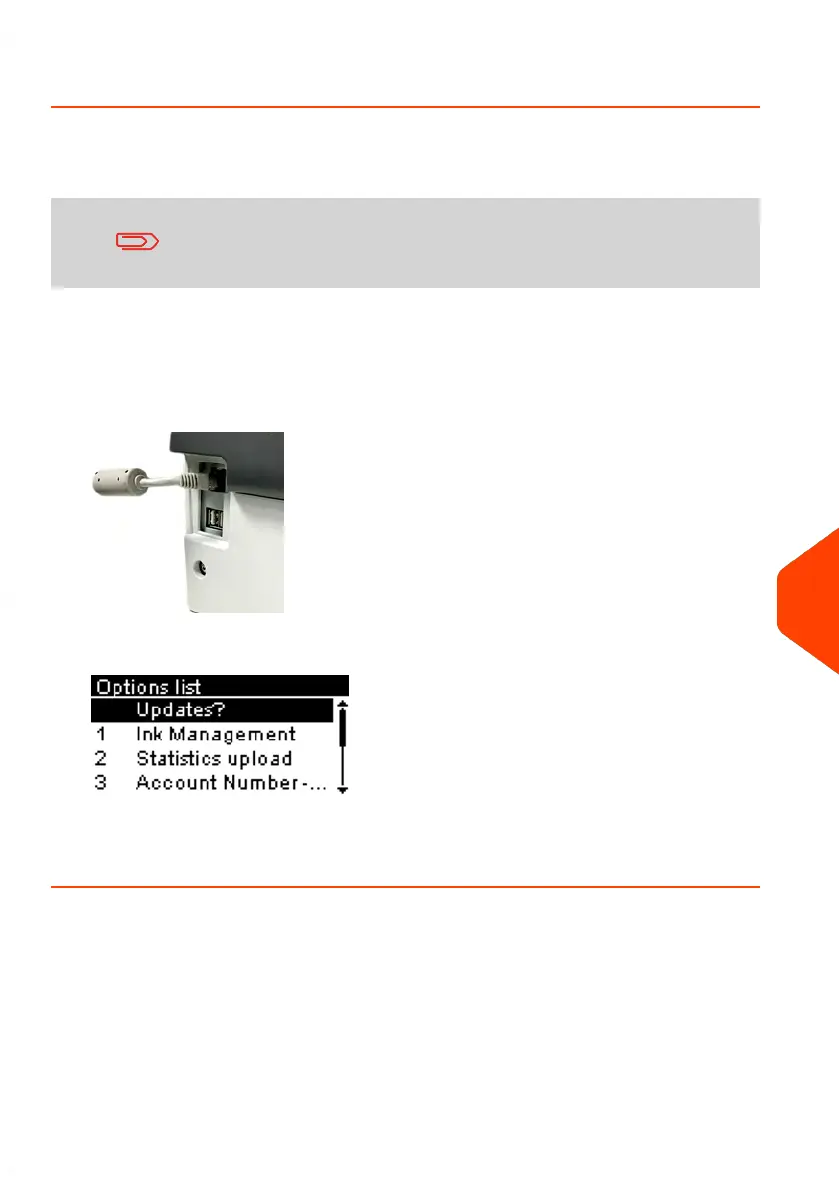
1. Check that your Mailing System is connected to a network (see Connections on
page 21) and that the connection is properly configured (see Connection Settings
on page 201).
2. Select Update?. It will trigger a call to the Online Services server.
3. After the call, you can display installed options. See How to Display the Options
on page 214.
11
Options and Updates
215
| Page 215 | Jun-21-2021 09:24 |















 To Next Page