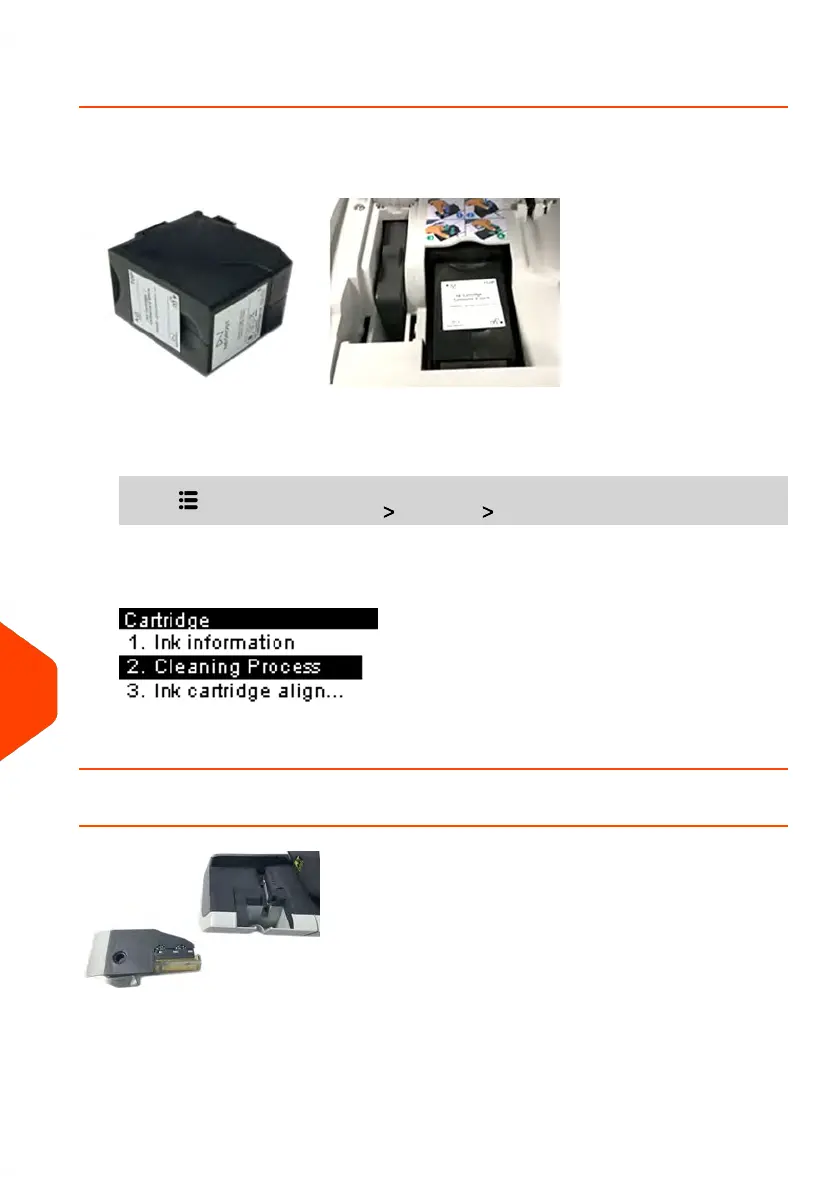
How to Clean the Cartridge Automatically
Each ink cartridge contains two cartridges. If after cleaning the cartridge, you still
observe poor print quality (streaked, too light, blurred, etc.) or the system indicates the
ink cartridge is out of ink ... It is time to replace the ink cartridge.
To clean the cartridge automatically:
1. From the home screen:
Press and select the path: Cartridge Cleaning Process
The cleaning starts automatically.
Cleaning the Brushes and Sponge (Moistener)
To avoid sealing issues:
260
| Page 260 | Jun-21-2021 09:24 |
13
Troubleshooting















 To Next Page