How to Save Customer Data
The Save Customer Data allows you to backup customer data (accounts, job memories,
and so on) to the Online Services Server. It should only be performed on a request from
by Customer Service.
To run the registration update:
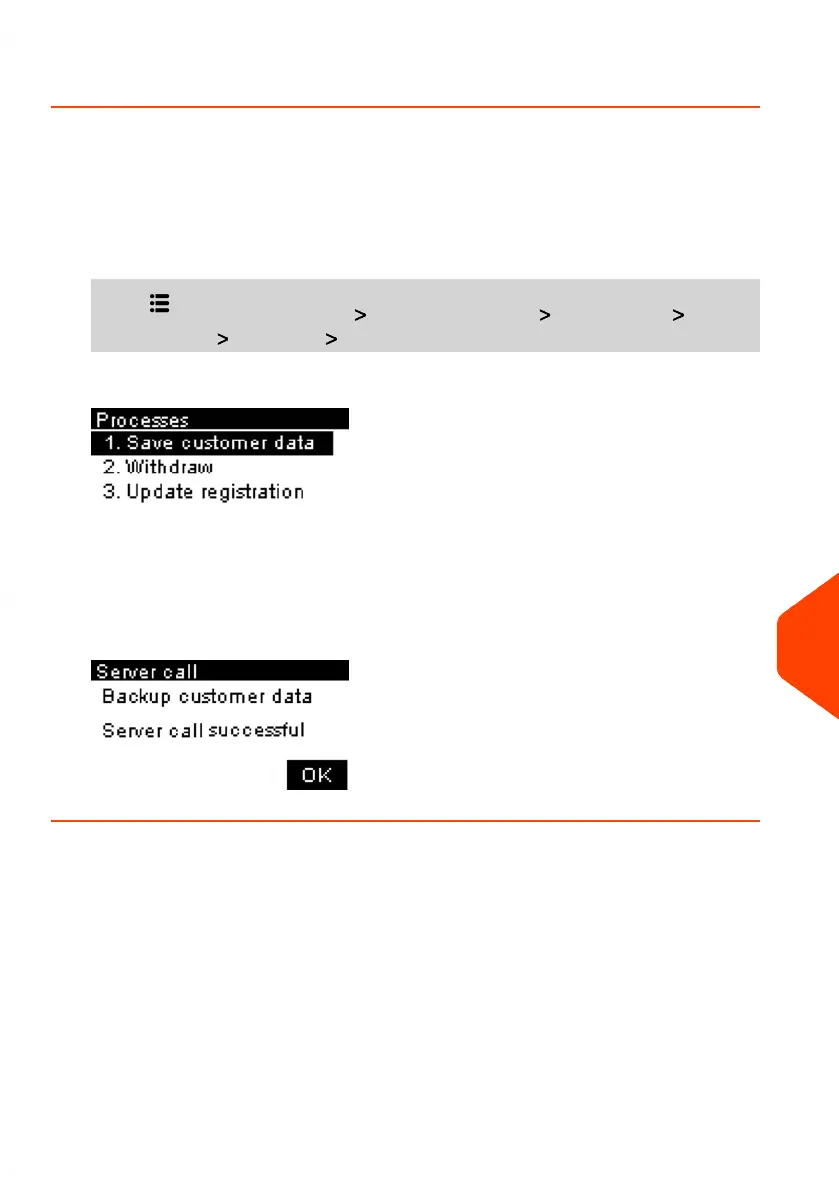
1. From the home screen:
Press and select the path: Advanced Settings Maintenance Process
& Diagnostics Processes Save Customer Data
2. Press [OK] to begin the procedure.
3. Press [OK] when the process is complete.
The message "Backup Customer Data Server call suceessful" is displayed.
12
Maintenance
255
| Page 255 | Jun-21-2021 09:24 |















 To Next Page