9. Press [OK] to validate.
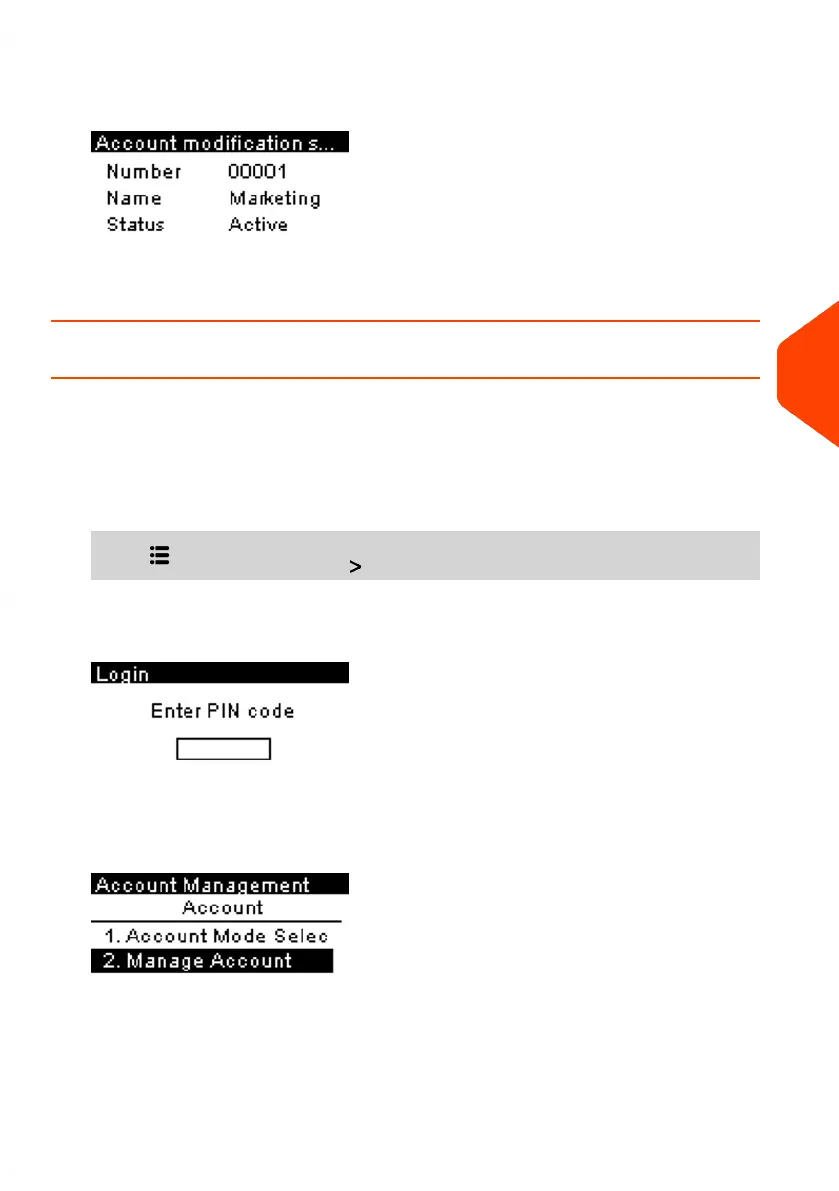
The Account modification summary screen is displayed.
10. Press [OK] to accept the changes.
How to Activate / Deactivate an Account
This function allows you to create accounts in advance and prevent them being used
before your account structure is complete.
To activate or deactivate an account:
1. From the home screen:
Press and select the path: Account Management
The Login screen is displayed.
Enter the Supervisor PIN code and press [OK].
2. Select Manage Account.
6
Accounts and Access Control
131
| Page 131 | Jun-21-2021 09:24 |















 To Next Page