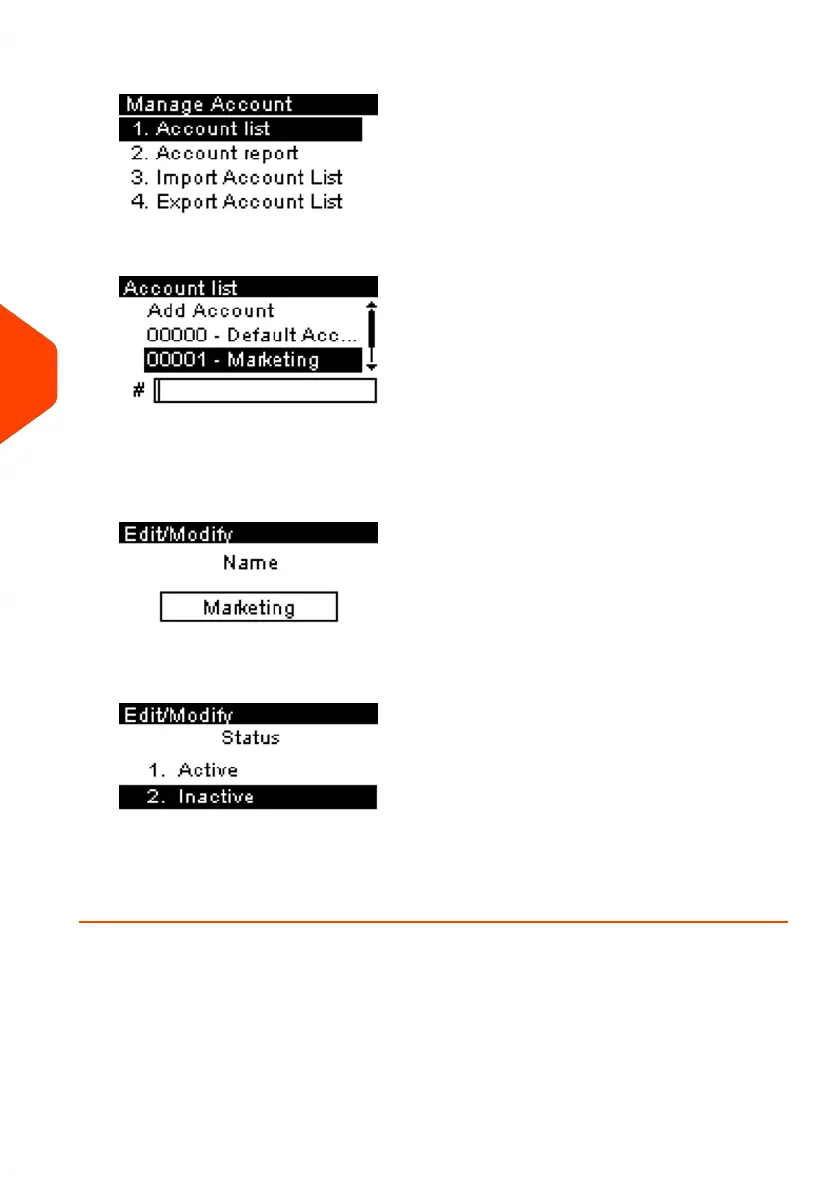
3. Then select Account list.
The Account list screen is displayed.
4. Select the account (or type the account number) and press [OK].
5. Select Edit/Modify.
The Edit/Modify screen appears.
6. Change Status parameter if necessary and press [OK].
7. Accept the changes by pressing [OK] (on the Account modification summary).
If an account is deactivated it is no longer visible to the operator.
132
| Page 132 | Jun-21-2021 09:24 |
6
Accounts and Access Control















 To Next Page