Managing Slogans11.6
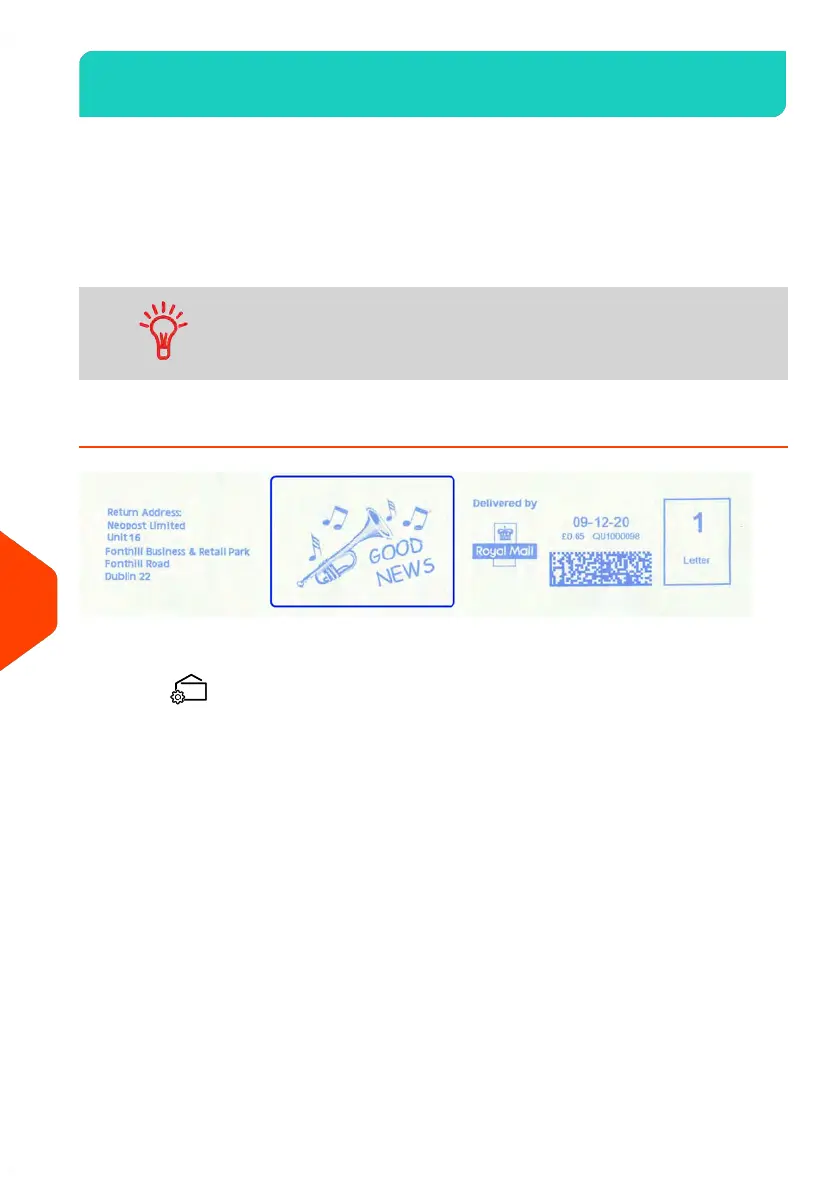
The Slogans are graphical slogans you can add on the left hand side of the imprint
printed on mail pieces.
You can:
• Display the list of slogans.
Rename or delete slogans from the list.-
• Download new slogans.
The available slogans are automatically downloaded into your
Mailing System by connecting the Mailing System to the Online
Services server. See How to Load New Options on page 215.
How to Add (or Cancel) a Slogan on the Imprint
To add a slogan to the imprint or cancel the slogan:
1.
Press .
226
| Page 226 | Jun-21-2021 09:24 |
11
Options and Updates















 To Next Page