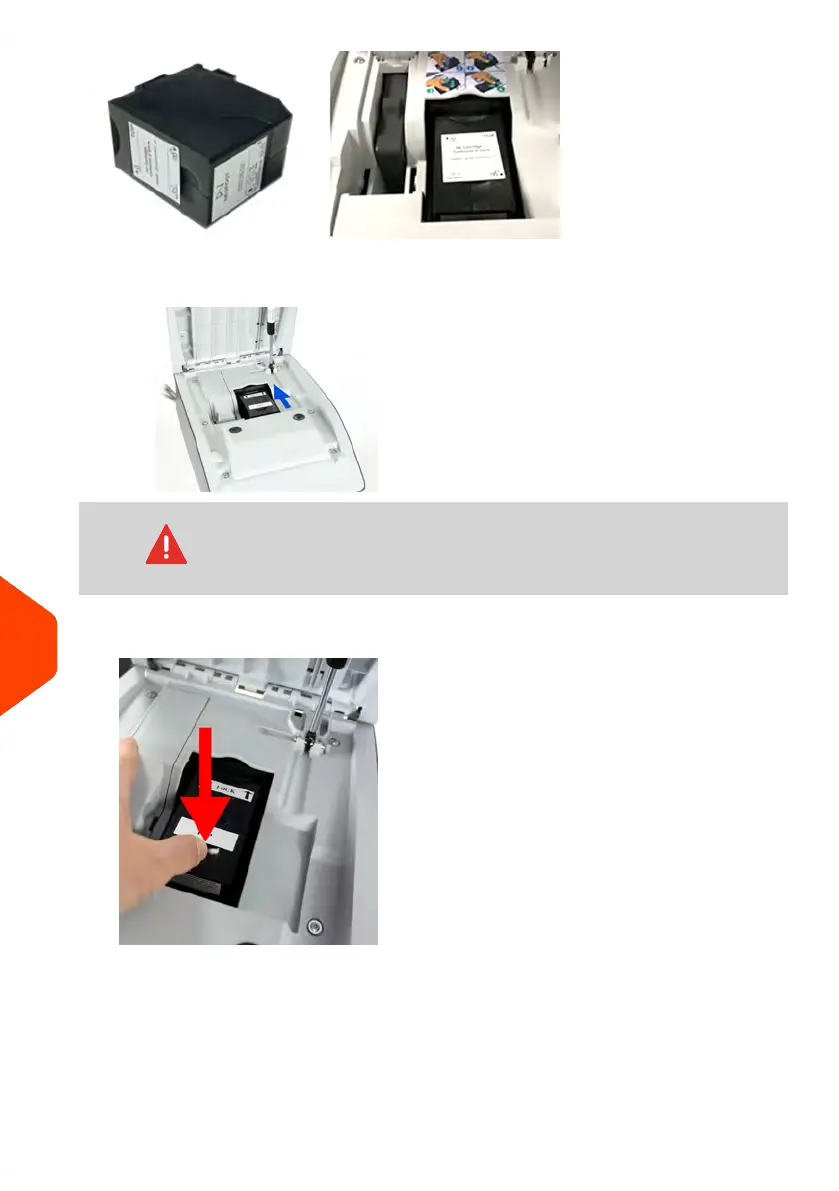
1. Open the cover: the ink cartridge moves to the replacement position.
Keep fingers away from the ink cartridge while it is moving to
the replacement position.
2. Press down on the back of the ink cartridge to disengage it.
3. Lift out the old ink cartridge.
242
| Page 242 | Jun-21-2021 09:24 |
12
Maintenance















 To Next Page