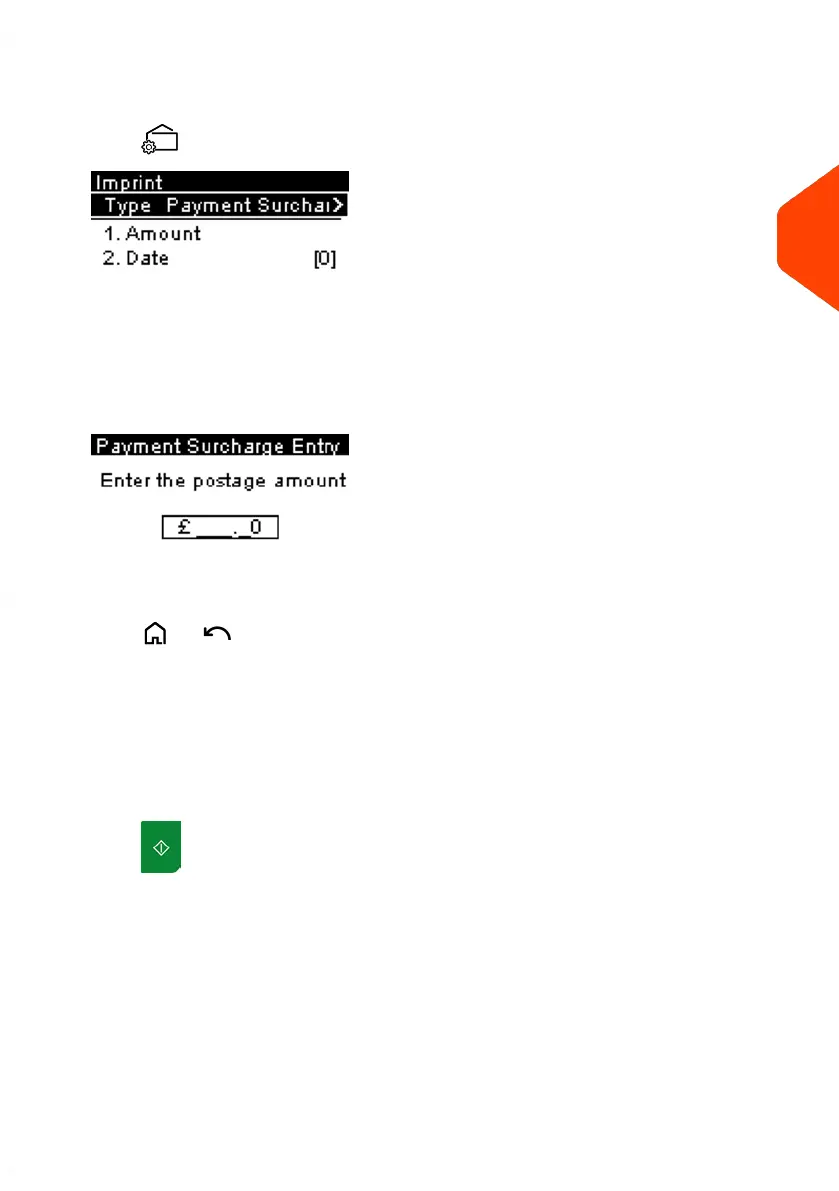
2. Check or change the type of imprint, if you are not in [Payment Surcharge Entry]
mode.
Press to access the Imprint screen:
To change the type of imprint, select Imprint type and then select [Payment
Surcharge Entry] in the Type of imprint screen. For more details, see How to
Change the Current Type of Imprint on page 34.
3. Select Amount and enter the desired amount.
Press [OK] to validate.
Press or to return to the home screen.
4. [Payment Surcharge Entry] type of imprint also allows you to correct the Date if
necessary.
- Select Date and then select a date option in the Date Advance Screen.
- Press [OK] to validate.
On the [Payment Surcharge Entry] home screen:
1.
Press . System motors start running.
3
Processing Mail
55
| Page 55 | Jun-21-2021 09:24 |















 To Next Page