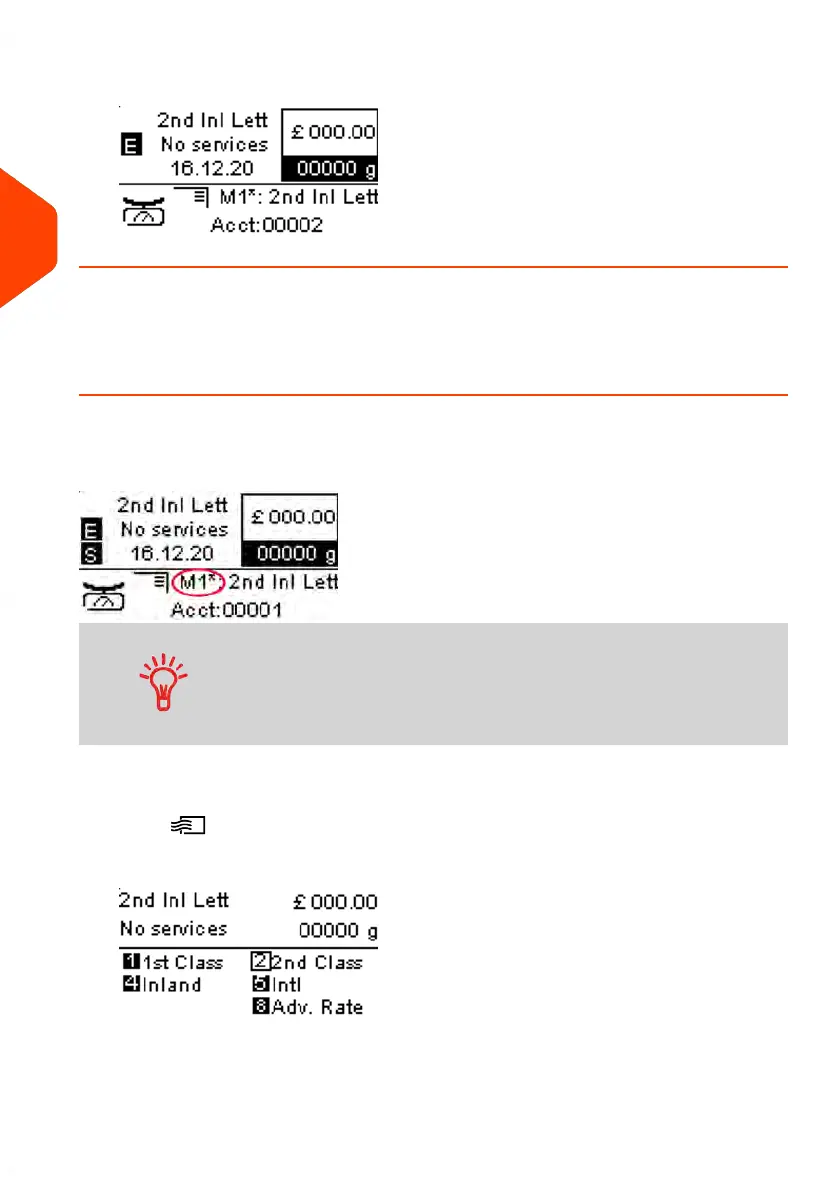
3. The current account number is displayed.
Selecting a Rate
How to Select a Rate
Rates are accessed from the Rate Selection screen. On the Home Screen, the system
defaults to Job Memory number 1 (M1) ... when you access choose a rate and services
from the rate selection screen, the system Home Screen will display an asterisk (M1*).
• There is a Rate Code for all possible rate combinations
available in the mailing system. This includes rates that
may not be displayed on the Rate Selection screen.
• Press the numeric key 8 and select Rate Code to enter a
Rate Code.
To select a rate:
1.
Press .
The Rate Selection screen is displayed.
60
| Page 60 | Jun-21-2021 09:24 |
3
Processing Mail















 To Next Page