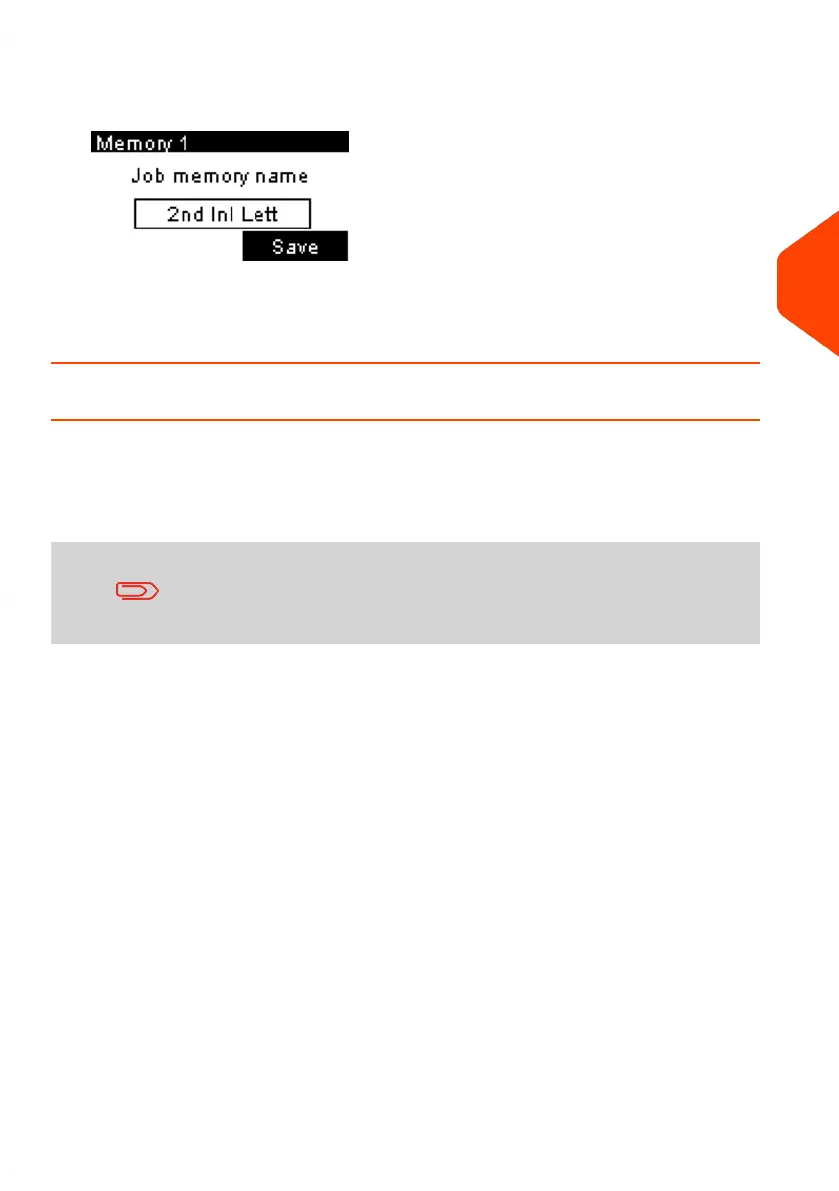
3. Press [OK].
The job memory name is displayed.
4. Keep the old name or enter the name of the job memory, then press [OK].
The home screen displays the updated memory information.
Using Job Memories
Job Memories allow you to create a preset memory that can include the rate, ERA,
slogan for the Type of imprint you would like to use.
In account-activated configurations, Job Memories allow you assign postage costs to
pre-selected accounts.
If your mail requires different settings, then the job memories
are the solution: all your settings are stored in a single memory.
Just press the job memory key instead of multiple keystrokes to
select all the required elements.
A list of job memories can be viewed under the Report menu by selecting Job Memory
List. It will display the job memory name and the associate numeric key.
How to Save a Job Memory on page 196
4
Imprints
87
| Page 87 | Jun-21-2021 09:24 |















 To Next Page