System Settings
2.
Select the GPS Setup tab.
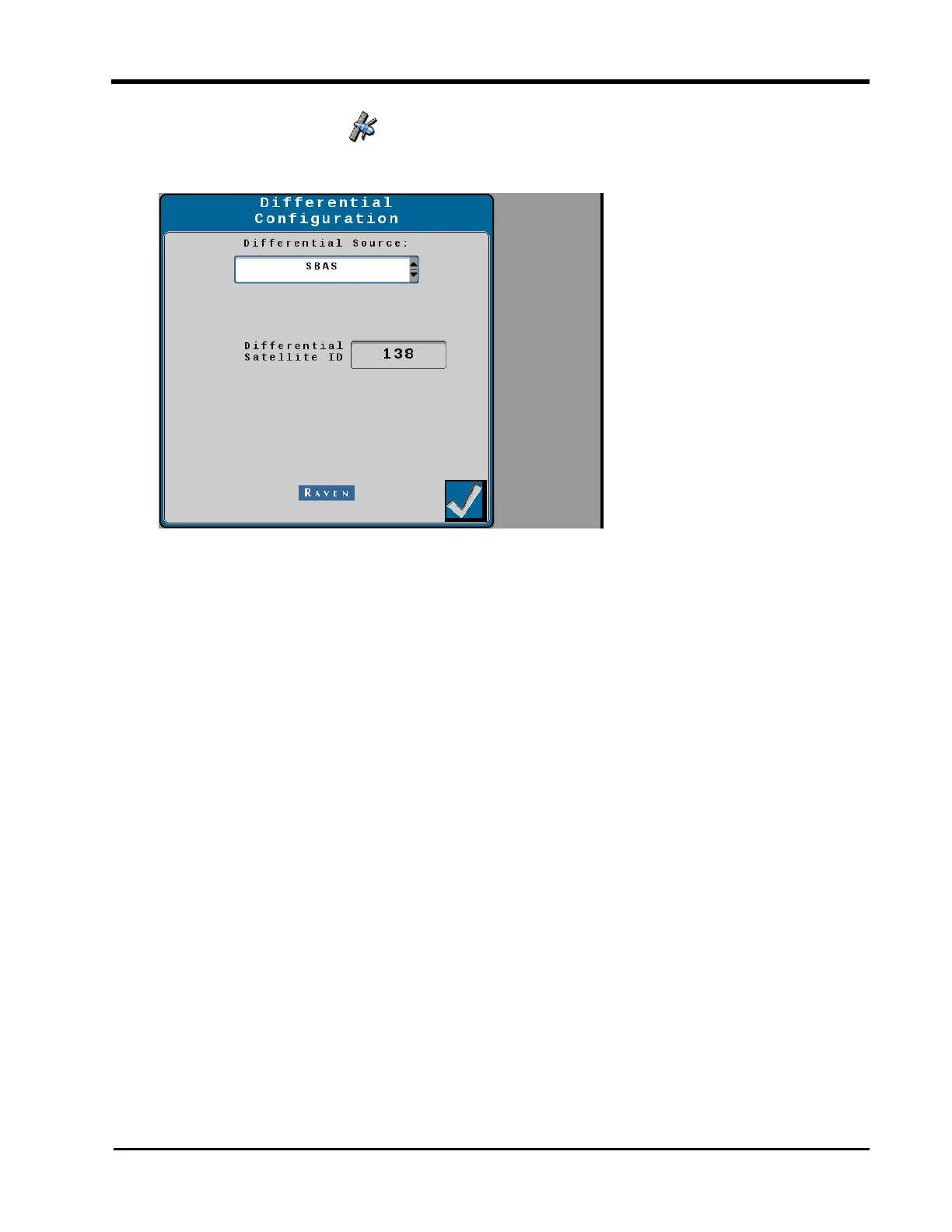
3. Select the Differential Configuration Setup button.
Note: Differential Source options will vary depending upon the GNSS receiver connected,
authorized or unlocked correction sources or subscriptions, and etc. Contact a local Raven
dealer for additional assistance with feature unlock codes and activation.
GPS Information Page
The steering guidance controller (SGC) provides some general GNSS diagnostic data from
the GNSS receiver. To review GNSS data from the connected receiver:
Note: Some pages and options may differ based upon how the machine or implement is
configured.
111







 To Next Page