Operation
Note: Tap the steering wheel icon to display additional details about the auto-steer system
and functionality. Refer to the Steering Status page for additional information.
Critical DTCs
Active diagnostic and troubleshooting codes are present. The steering system cannot be
engaged in this state.
Active DTCs
Active diagnostic and troubleshooting codes are present. The steering system can be
engaged in this state, but performance quality may be degraded.
No DTCs
No active diagnostic or troubleshooting codes are present. The steering system is ready to
be engaged. Both the steering wheel icon and the GPS icon must be green in order to
engage the steering system.
No DTCs - Steering Engaged
Steering is engaged, with no active diagnostic or troubleshooting codes present in the
steering system.
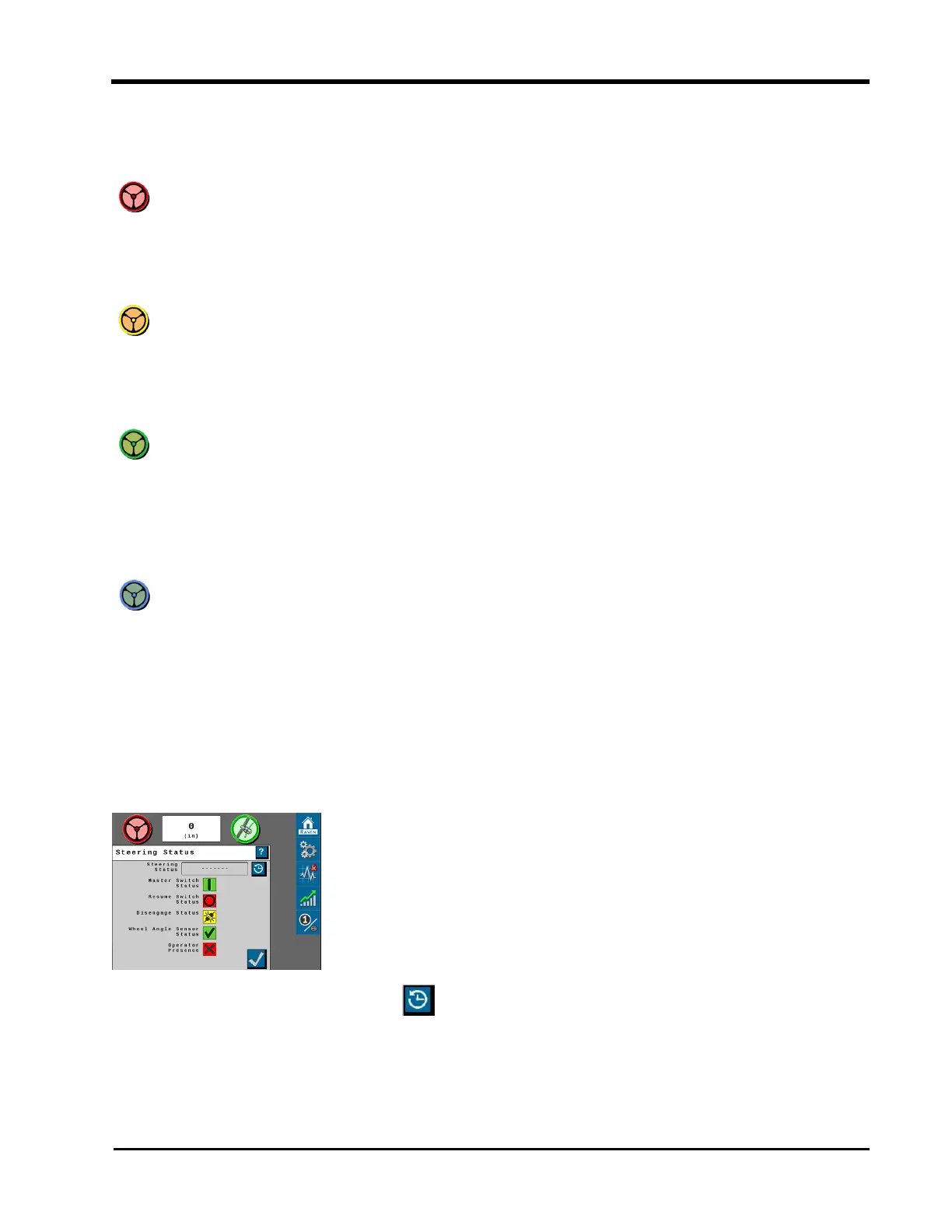
Steering Status Page
Press the steering wheel icon to display the Steering Status page. The Steering Status field
displays the last exit code and reason why steering was disabled.
The Steering Status History button shows a table for the reason steering disengaged,
including a time stamp and the number of occurrences.
55







 To Next Page