Chapter4
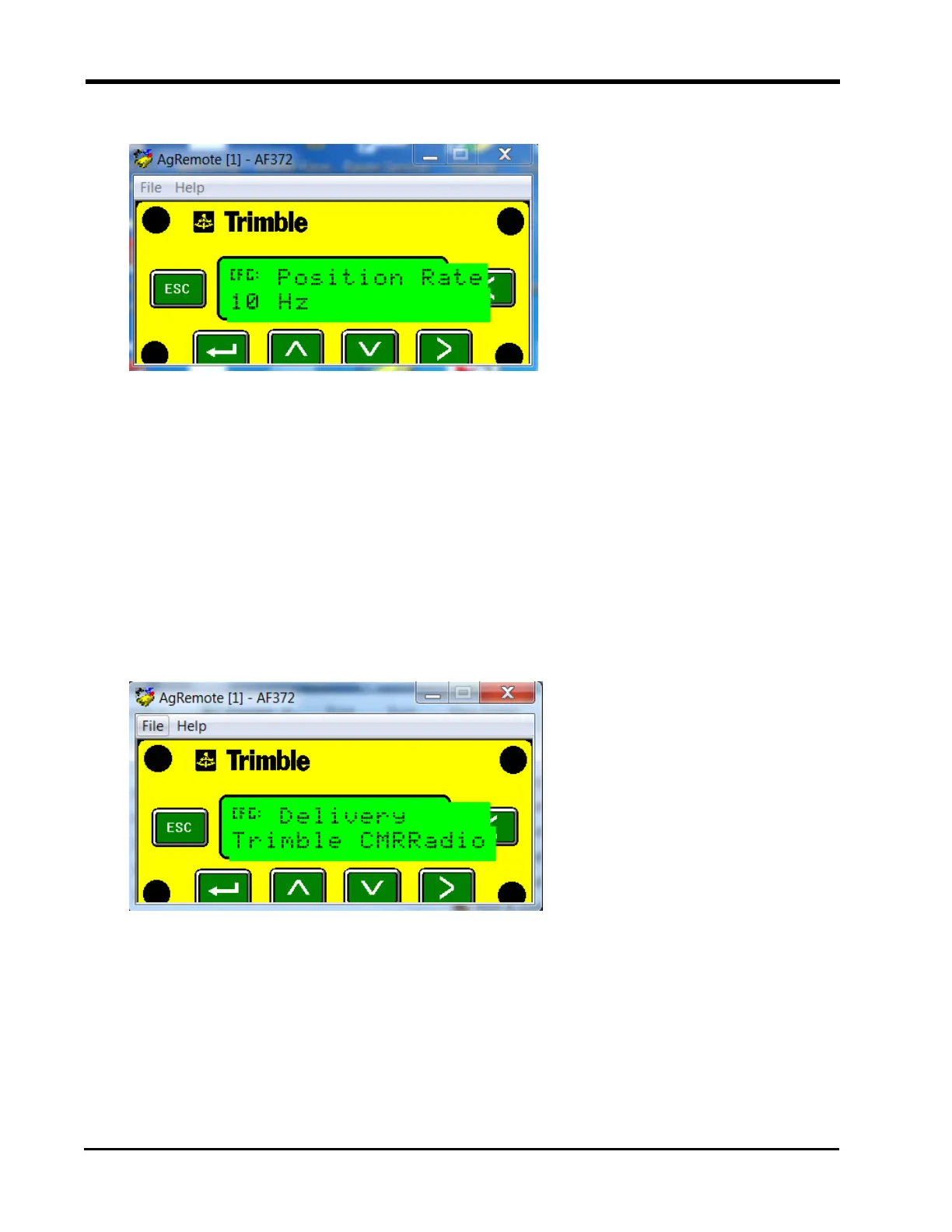
5. Press the Right button to set the "Position Rate" to 10 Hz.
6. Press the Enter button to save the settings.
Radio Mode Configuration
1. Press the Right button until "Configuration" displays on the screen.
2. Press the Down button to select "Configuration."
3. Press the Right button until "RTK Config" displays.
4. Press the Down button to select “RTK Config” displays.
5. Press the Down button until “Delivery” displays.
6. Select the Right button to set “Delivery” to Trimble CMRRadio.
7. Press the Enter button to save the settings.
Port A Configuration
1. Press the Right button until "Configuration" displays on the screen.
2. Press the Down button to select "Configuration."
48







 To Next Page