Chapter7
2.
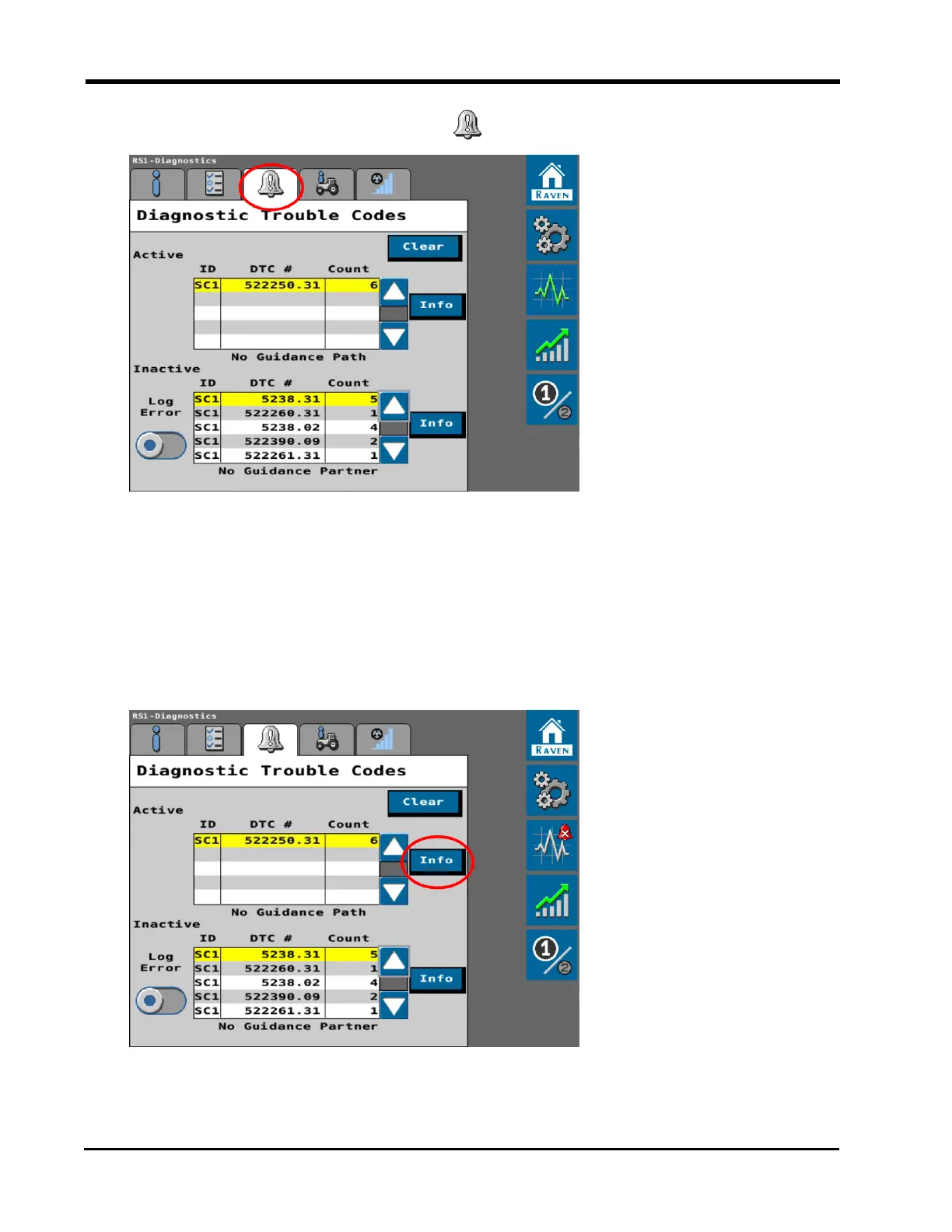
Select the Diagnostic Trouble Codes tab to view active and inactive DTCs.
Note: Active DTCs are conditions currently detected by the system. Inactive DTCs are
conditions which have been detected, but are not currently active during steering
system operations. Active DTCs may require attention before the auto-steering
operations can be enabled. Once an active DTC has been corrected, the code moves to
the inactive DTC list.
3. Select the Info button to display the complete description of the highlighted active or
inactive DTC.
146







 To Next Page