Diagnostics and Troubleshooting
1.
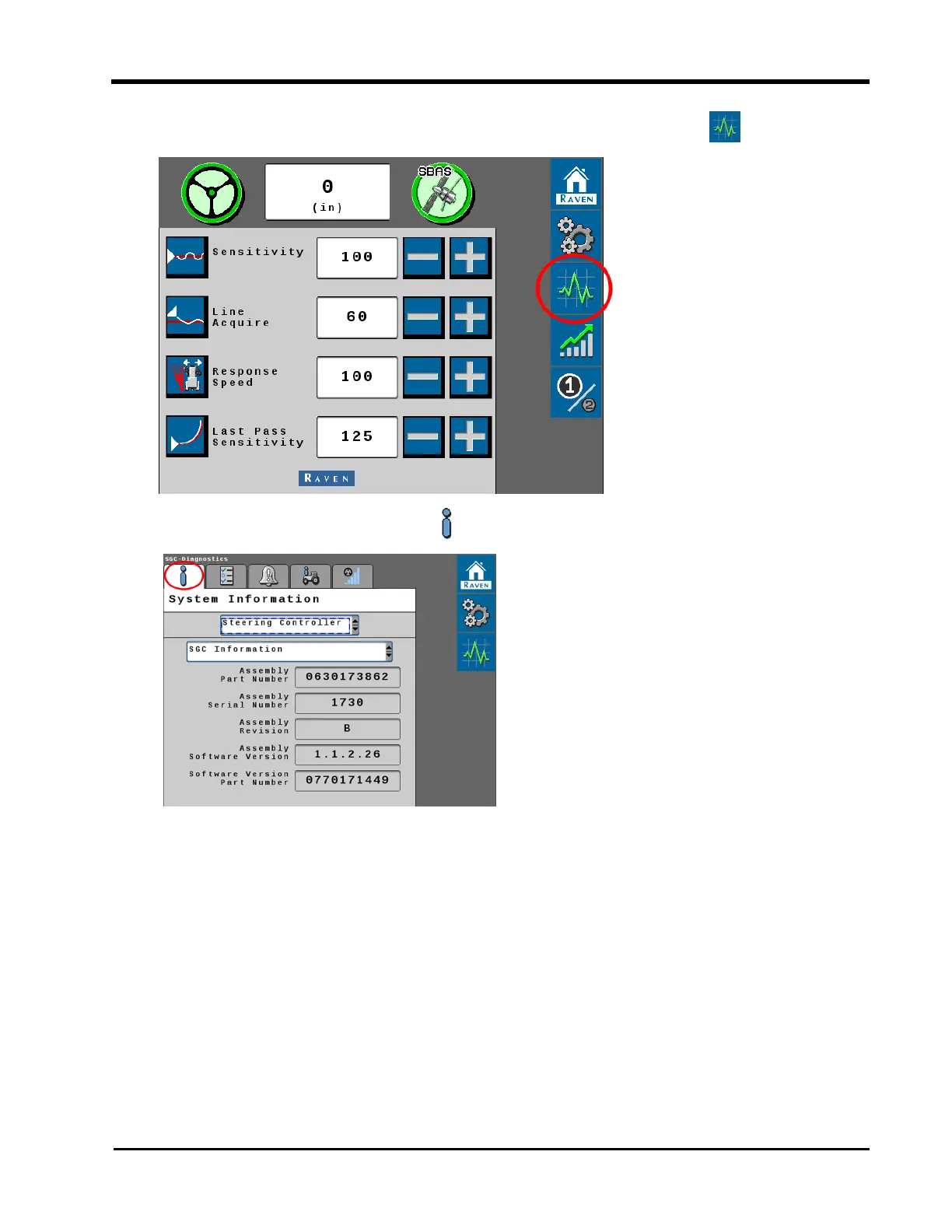
From the auto-steer home page Home page, select the Diagnostic button.
2.
Select the System Information tab.
3. Use the drop-down list at the top of the page to select the Steering Controller option.
4. Use the second drop-down list to review the available system information pages.
195







 To Next Page