Diagnostics and Troubleshooting
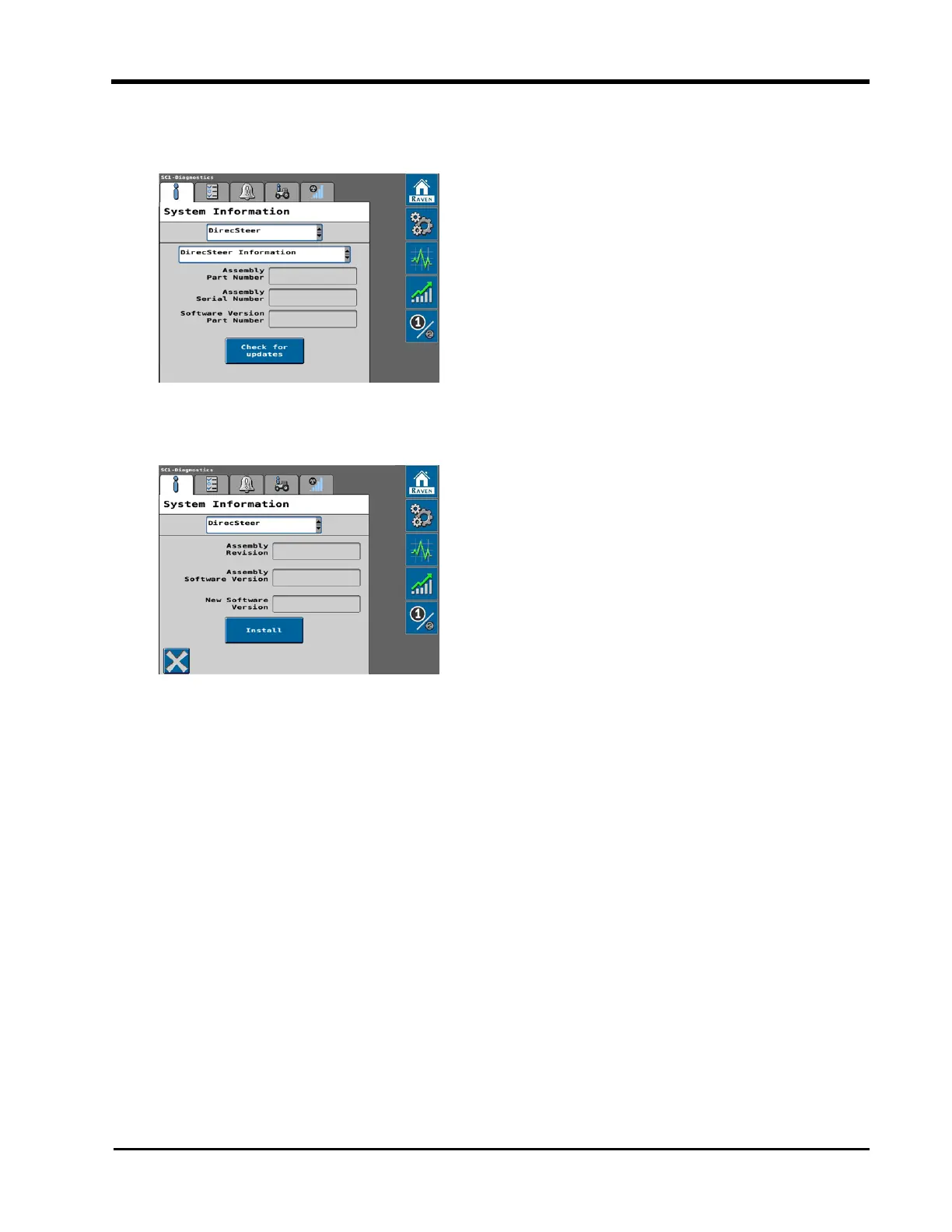
3. Use the drop-down list at the top of the page to select the DirecSteer option and use
the second drop-down list to select DirecSteer Information.
4. Select the Check for Updates button at the bottom of the page.
5. Review the current and available software information.
6. Select the Install button to accept the available software update and install the soft-
ware on the DirecSteer unit.
Note: Select the X in the lower, left corner to cancel the update and return to the
DirecSteer Information page.
199







 To Next Page