Machine Calibration
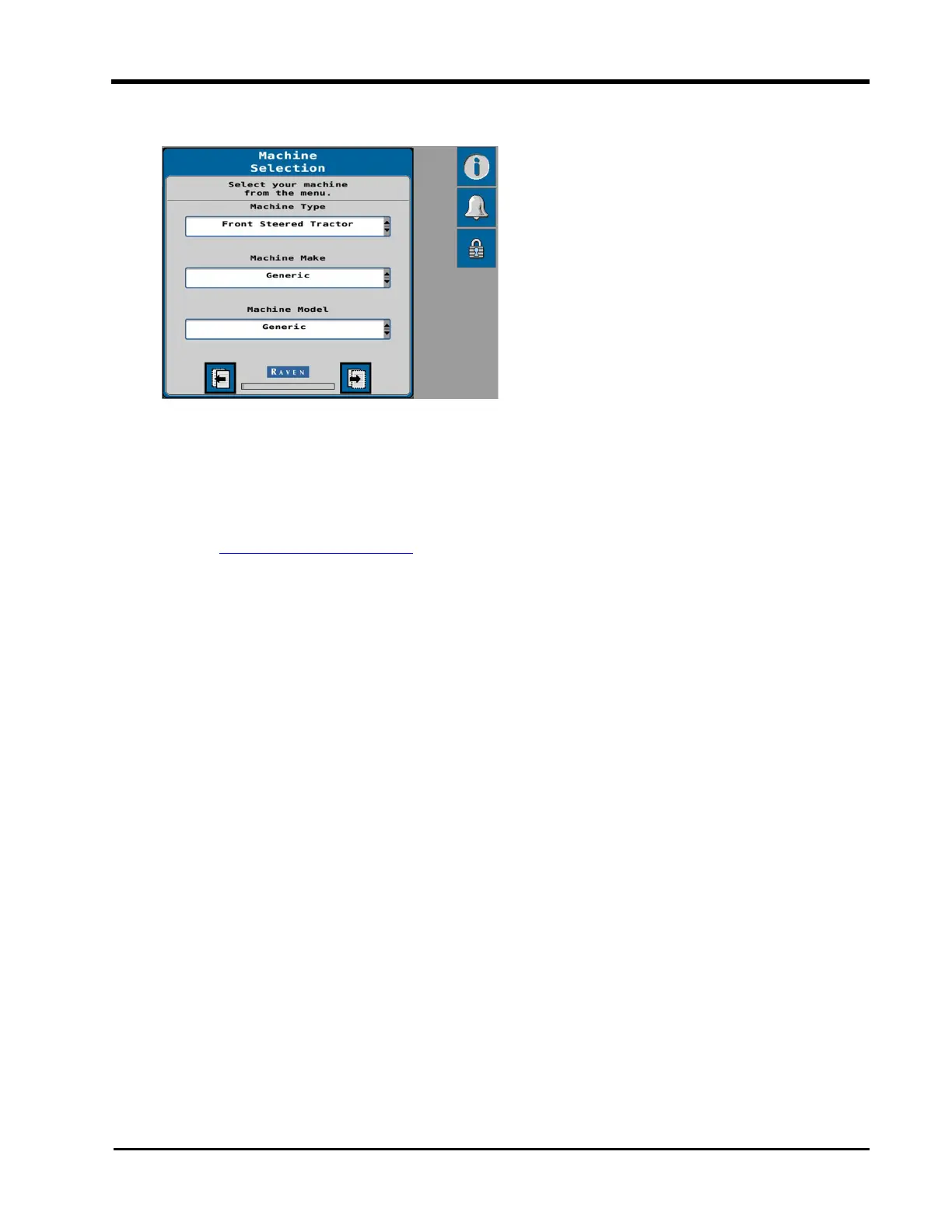
6. Use the drop-down options to set the Machine Type.
l
DirecSteer - Select "Front Steered Tractor" for the Machine Type when steering
the machine using a DirecSteer unit. The Make and Model options must be set to
"Generic" when auto-steering with the DirecSteer electric drive unit.
Note: CR7™ must be using version 23.2.0.68 for use with DirecSteer. Refer to
Field Computer Updates for assistance with checking and updating the Raven
field computer or Universal Terminal.
7. Once the Machine options are set, select the Next page button to proceed with the ini-
tial calibration.
21







 To Next Page