Chapter3
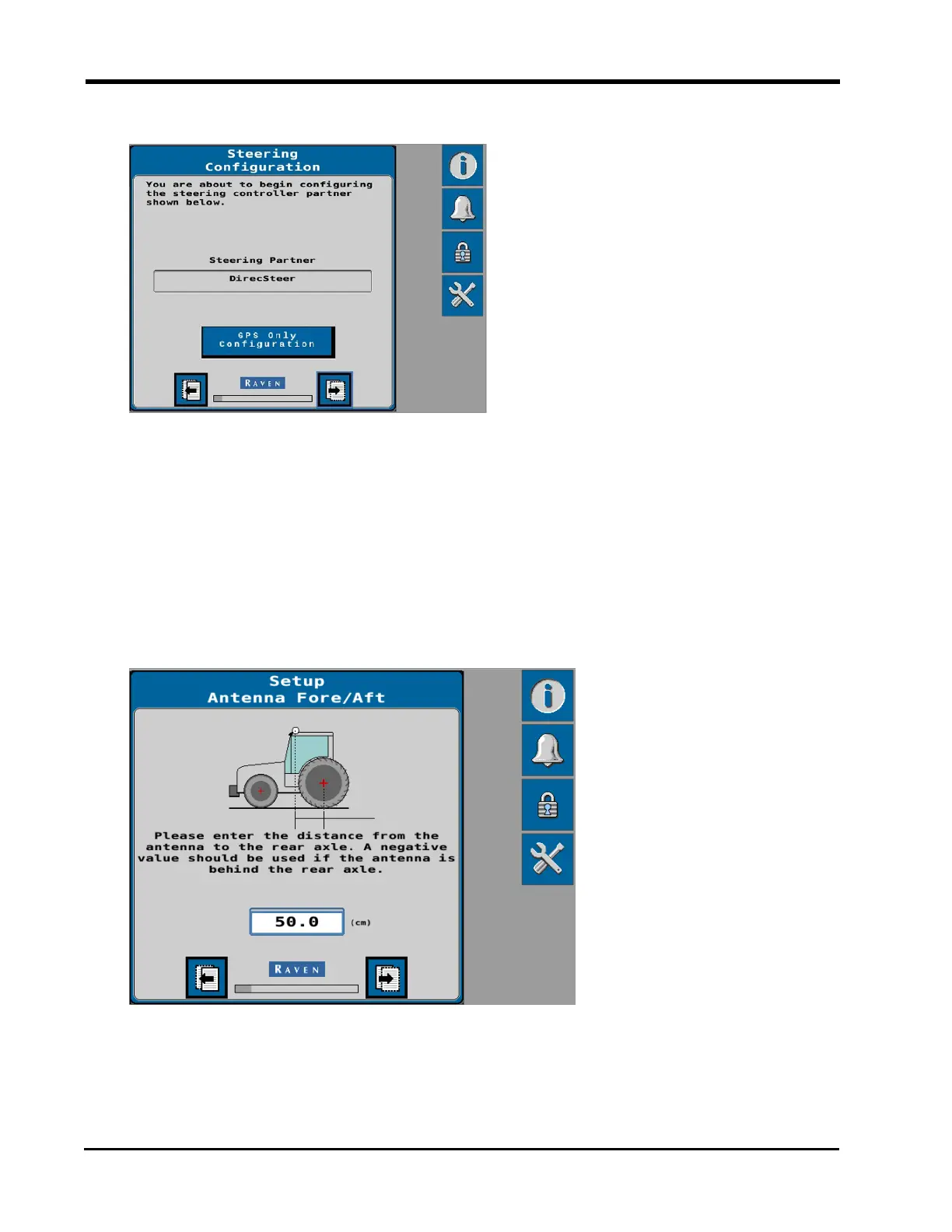
10. The system will attempt to detect a steering partner.
l
If no steering partner is detected, or if steering will not be used in the current
application, select the GPS Only Configuration button. In this configuration,
auto-steer features will not be available.
l
If a steering partner is detected, select the Next button to calibrate both the
GNSS and auto-steering features of the system. Recognized steering partners
include:
l
DirecSteer
11. Enter the Antenna Fore/Aft measurement in the units displayed on the page.
12. Select the Next page button.
24







 To Next Page