Chapter3
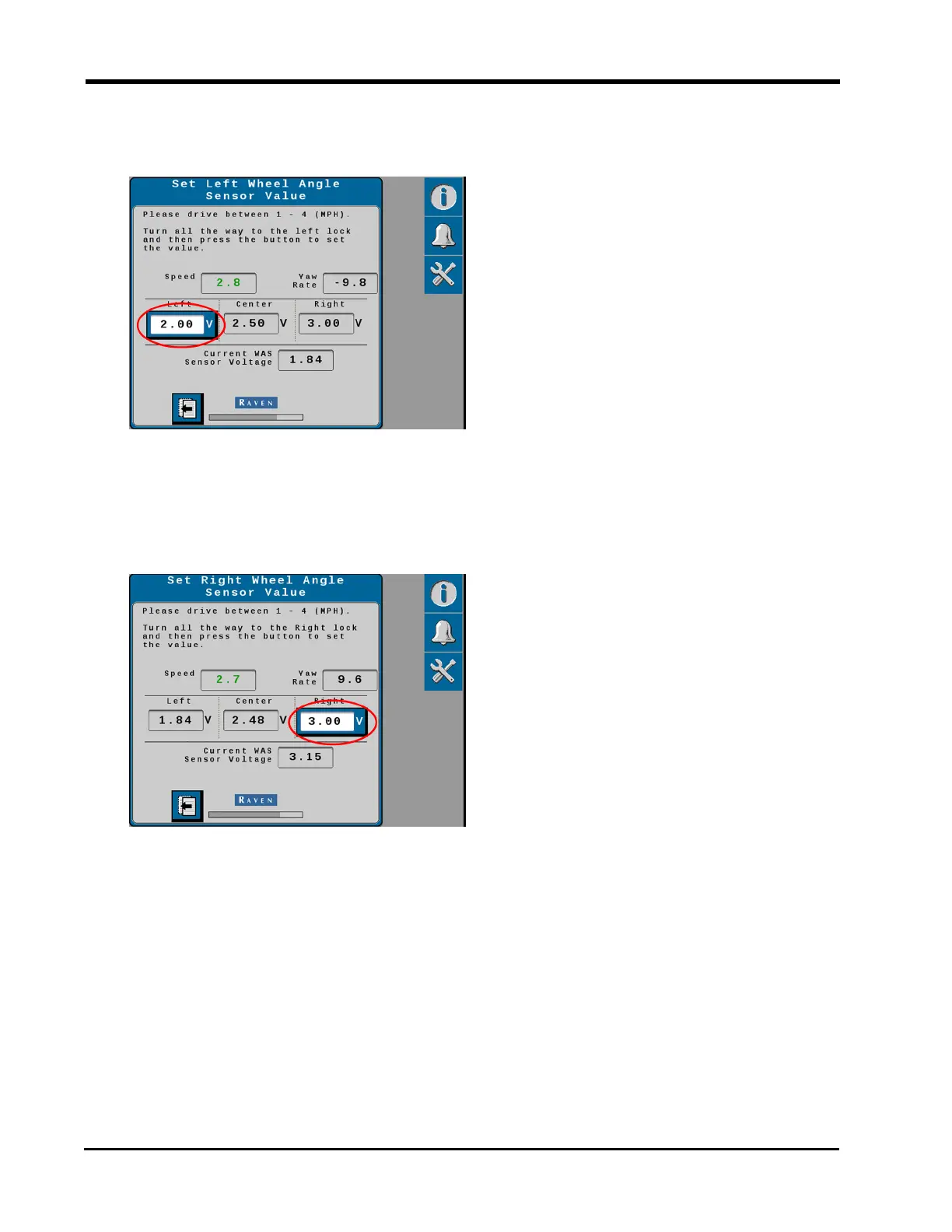
4. Turn the steering wheel all the way to the left steering lock.
5. Select the Left voltage button to set the left WAS value.
Note: Do not turn the steering wheel until the WAS page advances to the Right WAS
setting.
6. Turn the steering wheel all the way to the right steering lock.
7. Select the Right voltage button to set the right sensor value.
Note: Do not turn the steering wheel until the following Calibration Complete page is
displayed.
36







 To Next Page