Chapter3
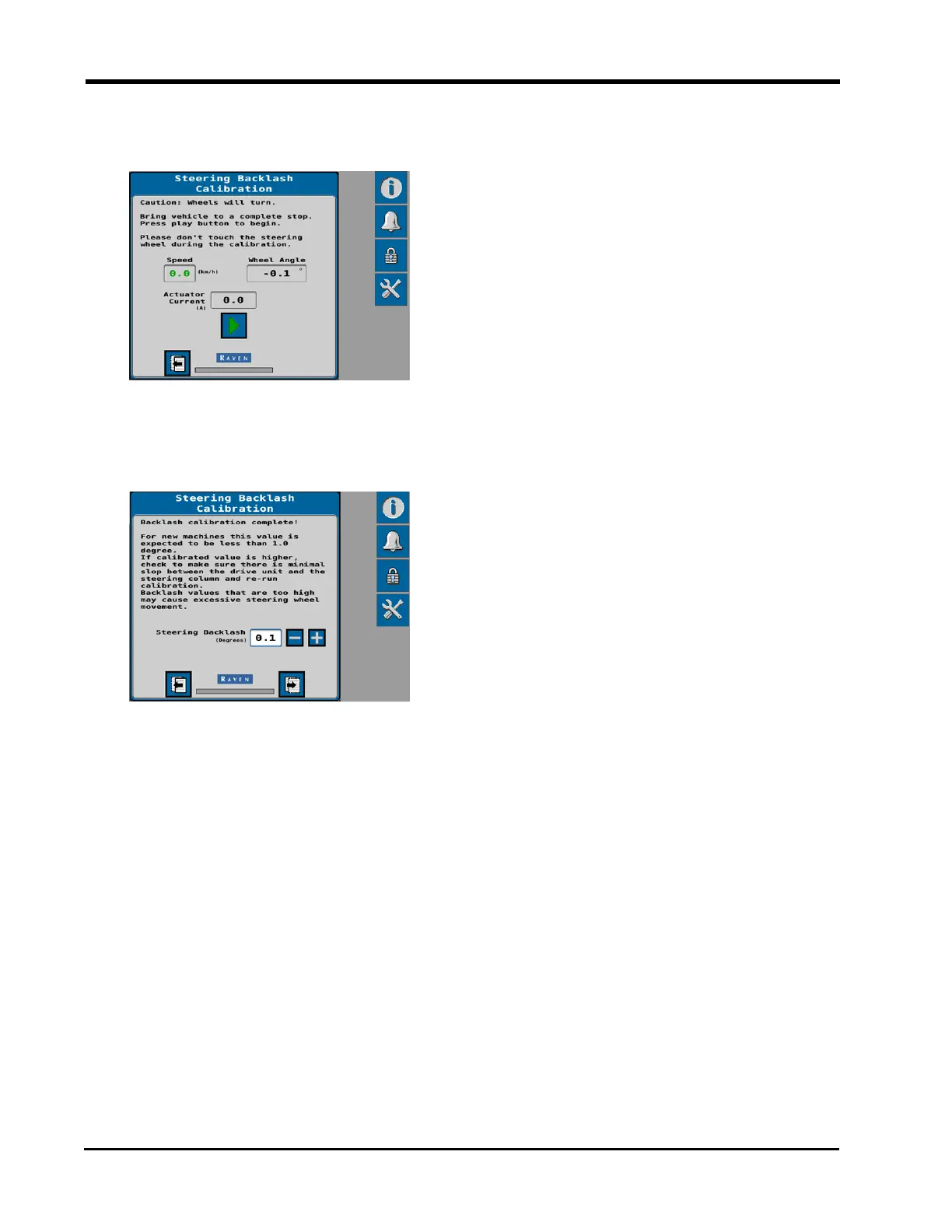
17. Select the Start/Play button on the Steering Backlash Calibration page to begin the
backlash calibration.
DirecSteer will begin turning the steering wheel until the system detects the minimum
effort required to move the steering wheel.
18. The calibrated backlash value will display on the page when the calibration is complete.
Note: It is not recommended to adjust this value during the initial calibration process.
The backlash value may be adjusted via the Settings menu later. Refer to "Advanced
Tuning" on page75 for additional assistance.
19. Select the Next page button to proceed to the "Steering Control Calibration" on the
facing page.
40







 To Next Page