System Settings
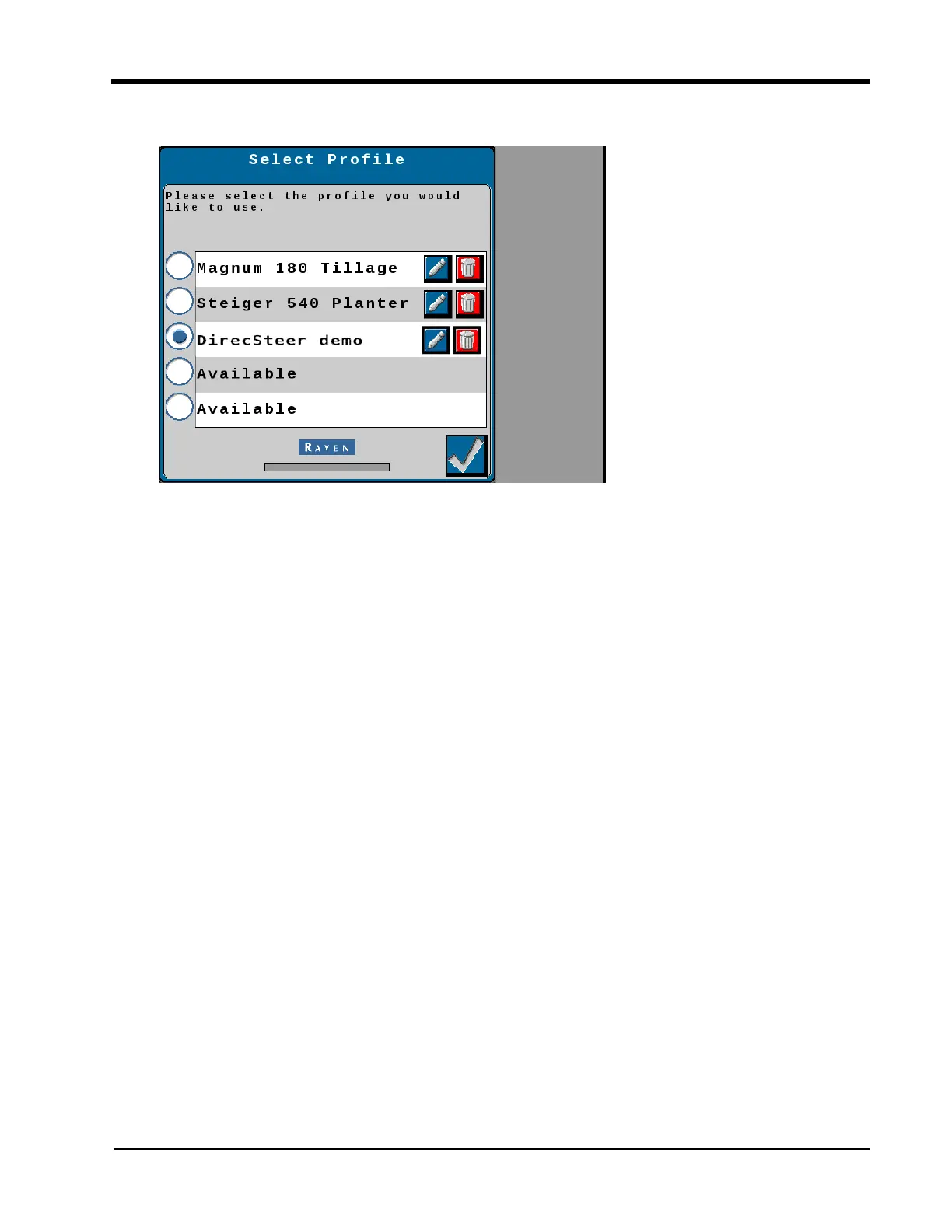
3. Select the Change Profile button.
The Select Profile page allows the operator to perform the following changes to the tuneset
profiles:
To calibrate a tuneset profile
a. Select a profile labeled Available.
b. Select the Accept button in the lower, right corner of the page.
The tuneset calibration wizard will begin. Review the Initial Tuneset Calibration
processes and follow the on-screen instructions to complete the tuneset calibration.
To select a different tuneset profile
a. Touch the radio option for the desired tuneset configuration.
Note: Selecting a tuneset labeled "Available" will require the operator to complete the
Initial Tuneset Configuration.
b. Select the Accept button in the lower, right corner of the page to load the tuneset and
return to the Machine Settings tab.
To rename a tuneset profile
a. Select the Edit button.
b. Use the UT keyboard to enter the desired tuneset name.
69







 To Next Page