V 01/2016
RT100 Control System Design and Function 7
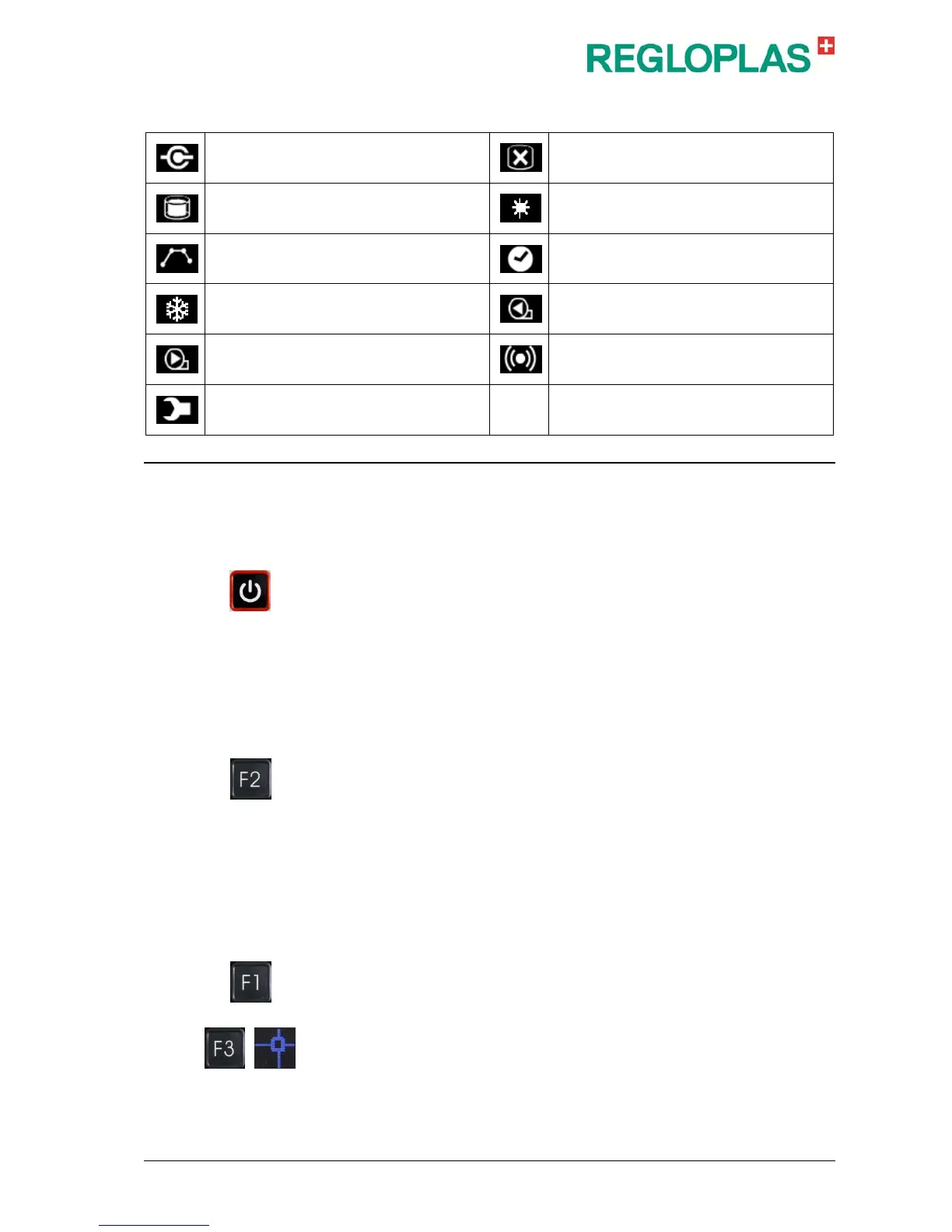
Symbols
Interface operation
Level of the heat transfer medium (filled
quantity) low
Level of the heat transfer medium (filled
quantity) OK
Heating
Ramp program activated
Timer activated
Cooling
Feed pump, counter clockwise rotation
Feed pump, clockwise rotation Alarm
Maintenance due (flashes if maintenance is
due)
RT100 Control System - Displays
Operation and Status Displays
In the off state of the RT100 Control System, the message OFF appears
in the display area. Upon switching on with the button ON/OFF, the addi-
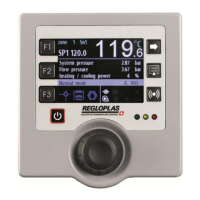
tional display is shown. The top left part of the display shows the set-
point temperature SP1 or SP2 (SP = Set point). The top right part of the
display shows the current outlet temperature (actual value of temperature
sensor Sn1, Sn2 or Sn3).
Sn1 = Outlet temperature
Sn2 = Temperature, external
Sn3 = Inlet temperature
Three other selectable values are shown in the middle part of the display.
The additional display can be set by using the F2 key and by turn-
ing/pressing the RCD control knob (turning selects a value, pressing con-
firms it).
The symbols for set-point value display, suction operation (draining) and
leak-stop operation are shown in the lower left part of the display. The
various operational and status displays of the temperature control unit
are shown in the lower right part of the display.
Setting the Set-points
The set-point values SP1 and SP2 are set by pressing the key F1. The
set-point value is then coloured light blue and can be set with the RCD
control knob. This setting is also possible in the parameter positions. The
set-point values can be selected through an external digital signal.
Toggling of the set-point values SP1 and SP2 is achieved with the F3 key
and selection of the set-point toggling function. Set-point toggling is only
possible if there is no alarm pending.


 To Next Page