V 01/2016
30 Parameterisation RT100 Control System
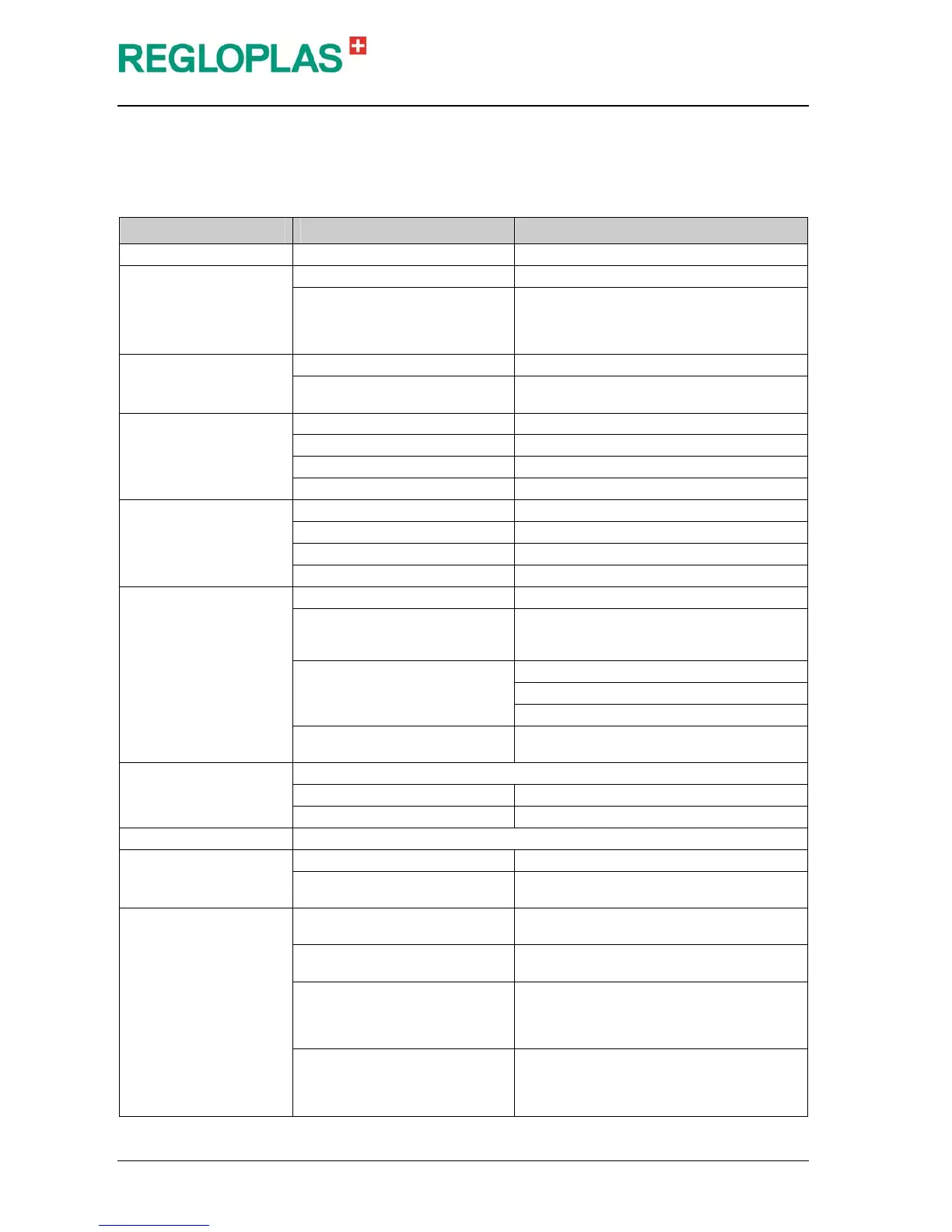
Inputs
(Password level - Technician password)
The parameters of the signal inputs are displayed in this menu.
Parameter Range Remarks
Temperature sensor Sn1 Offset Input of offset (in °C/°F)
Temperature sensor Sn2
Offset Input of offset (in °C/°F)
Sensor type Sn2
Input of sensor type Sn2 ("No ext. Sensor",
"Pt 100 2-conductor", "Pt 100 3-conductor",
"TE Type K", "TE Type J", "TE Type T", "TE
Type N" or "4-20 mA", "Interface"
Temperature sensor Sn3
(Software option)
Offset Input of offset (in °C/°F)
Sensor type Sn2
Input of sensor type Sn2 ("No ext. Sensor",
"Pt 100 2-conductor" or "Pt 100 3-conductor")
Pressure sensor 1, sys-
tem
Pressure sensor 1 Input pressure sensor 1 (active/inactive)
Offset Input of offset (in bar)
4 mA Input 4 mA (in bar)
20 mA Input 20 mA (in bar)
Pressure sensor 2, outlet
Pressure sensor 2 Input pressure sensor 2 (active/inactive)
Offset Input of offset (in bar)
4 mA Input 4 mA (in bar)
20 mA Input 20 mA (in bar)
Flow rate (Software op-
tion)
Flow meter Input flow meter (active/inactive)
Flow meter type
Input flow meter type ("F150", "F160", "F181",
"F183", "F185", "F350", "F351", "scalable",
"F1000")
Additional parameters in case of
flow meter type "Scalable"
Input (X26-KEM, X27-F150)
Scaling 1 kHz (in lpm or GPM)
Filtering time constant (in sec.)
Additional parameters in case of
flow meter type "F1000"
(see the chapter "Flow meter type F1000")
Flow monitor
Input "Inactive/Pressure switch/Pump pressure"
When selecting "Pump pressure" Min. pump pressure (in bar)
Alarm suppression time Input in (in sec.)
Temp. monitor cooling Input "Active/Inactive"
Analog input
Analog input Input "Pump current" or "Set-point"
Analog input
Input "0-10 V", "0-20 mA", "4-20 mA" or "In-
active"
Ext Start/Stop command
(digital or analog option)
Code 0
When the external contact closes, the unit is
turned off and the ON/OFF button is blocked
Code 1
When the external contact opens, the unit is
turned off and the ON/OFF button is blocked
Code 2
The unit can be switched on and off via the
external contact (closing of the external con-
tact - unit switches off / opening of the exter-
nal contact - device switches on)
Code 3
The unit can be switched on and off via the
external contact (closing of the external con-
tact - unit switches on / opening of the exter-
nal contact - device switches off)


 To Next Page