V 01/2016
32 Parameterisation RT100 Control System
rameter Manual calibration is set to OFF and then the ball valve is
opened again. Calibration is now complete.
The parameter Manual calibration only appears in the menu when Au-
tomatic calibration is set to OFF.
Automatic calibration
If the parameter Automatic calibration is set to ON, then every time the
pump starts, the time-controlled automatic pump calibration will be exe-
cuted (there must be a solenoid valve present in the outlet for this pur-
pose). The following parameters can be defined for the automatic calibra-
tion:
Parameters Remarks
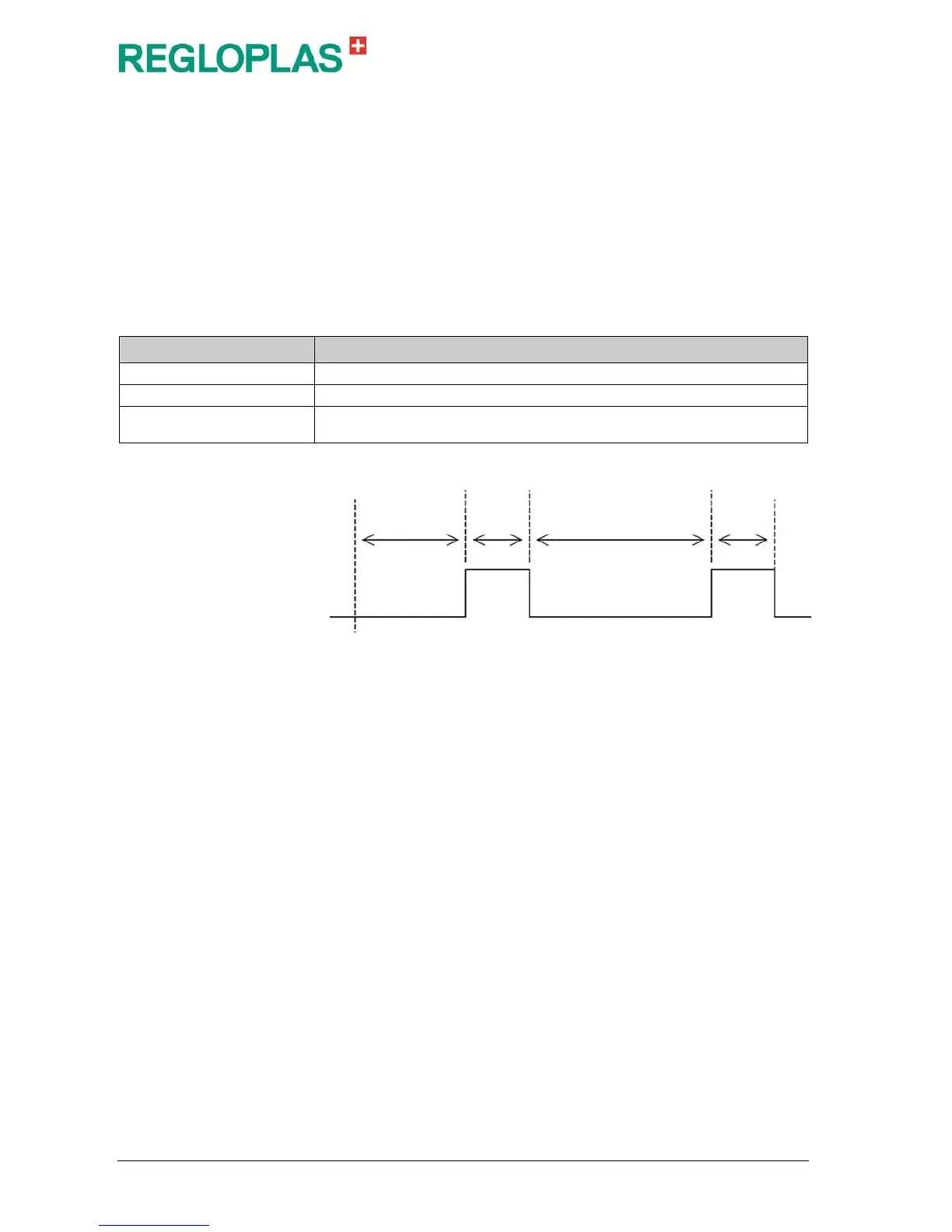
Time till calibration Time till switching on the solenoid valve in seconds
Calibration time Switching time of the solenoid valve in seconds
Time till re-calibration
Time till repetition of the calibration in seconds.
With 0 seconds, the calibration is not repeated
Importing the characteristic curve
The characteristic curve must be saved in the csv format and is divided
into a header area and a data area. The existing characteristic curve can
be overwritten by a new characteristic curve at any time. In the menu
item Save/Load / Load characteristic curve F1000, a characteristic
curve can be loaded from the USB stick.
Time till
calibration
Calibration
time
Time till re-calibration
Calibration
time
Starting the
pump


 To Next Page