119
Intera 3.2
Robot Positioning System
Note: When re-registering to a previously associated landmark, it's very important that you do not
move the arm from the original location. Doing this will introduce error into the associated actions.
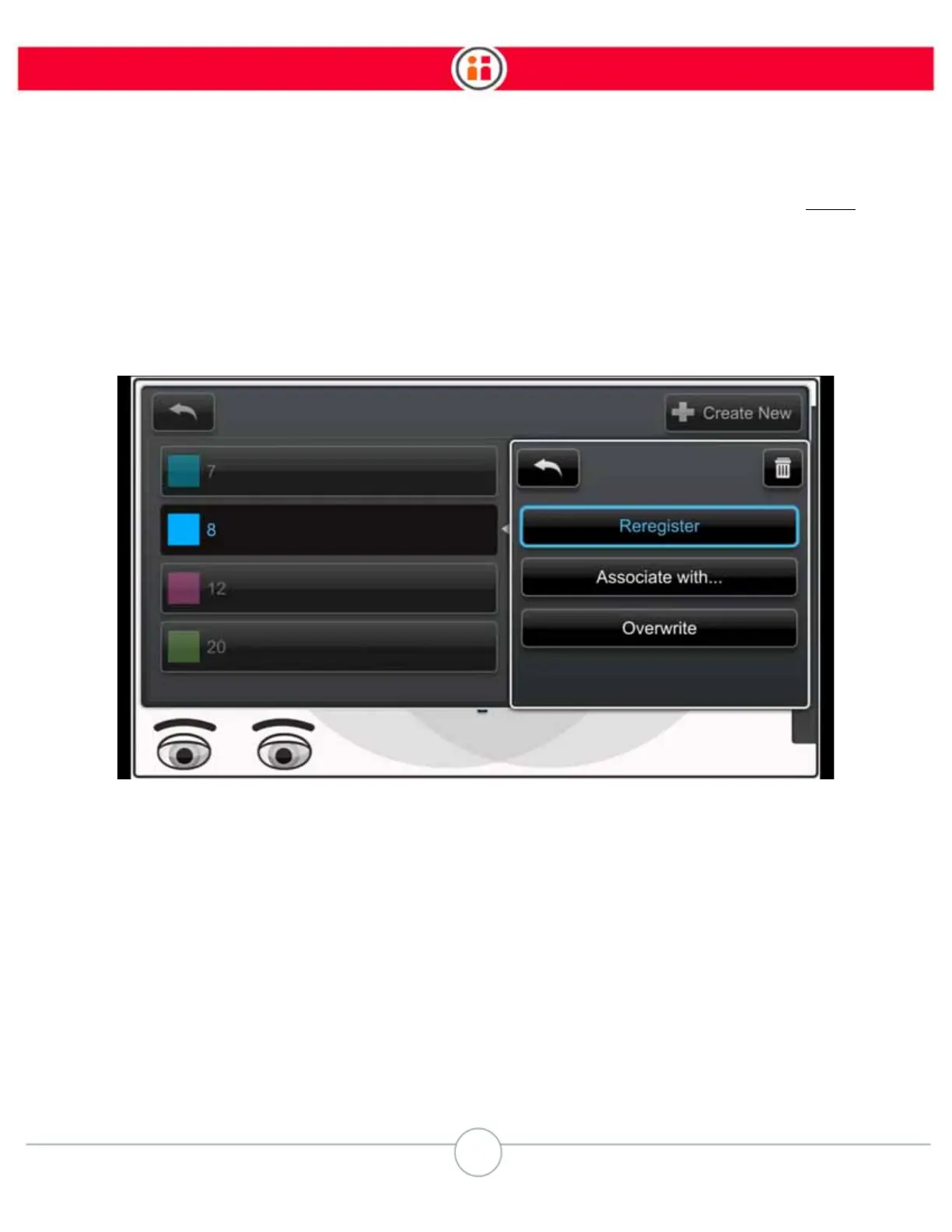
To reregister a landmark:
1. Press the Rethink button.
2. Select the landmark gallery.
3. Select the landmark to be reregistered. In this case, it's landmark 8.
4. Select Reregister.
5. Press Start.
The arm moves to its original location.



 To Next Page