37
Intera 3.2
Training and Managing Tasks
• You want Baxter to automatically detect when materials are replenished. (You
can also use signals for this purpose). If nothing changes in the search field,
Baxter will eventually time out.
• Baxter needs to identify a particular object from other, different nearby objects.
Consider the following when training Baxter to look for an object:
• Baxter works best when its workspace is lit with bright, diffused lighting with
minimal shadows.
• Shadows in the work area, including those created by the object, degrade
Baxter’s ability to see an object. So does glare, from the object or the work
surface.
• In general, the higher the contrast between the object and the work surface, the
better. Although when trying to see texture on a white or light-colored object, you
may need to lower contrast/video gain.
• A clutter-free work surface works best.
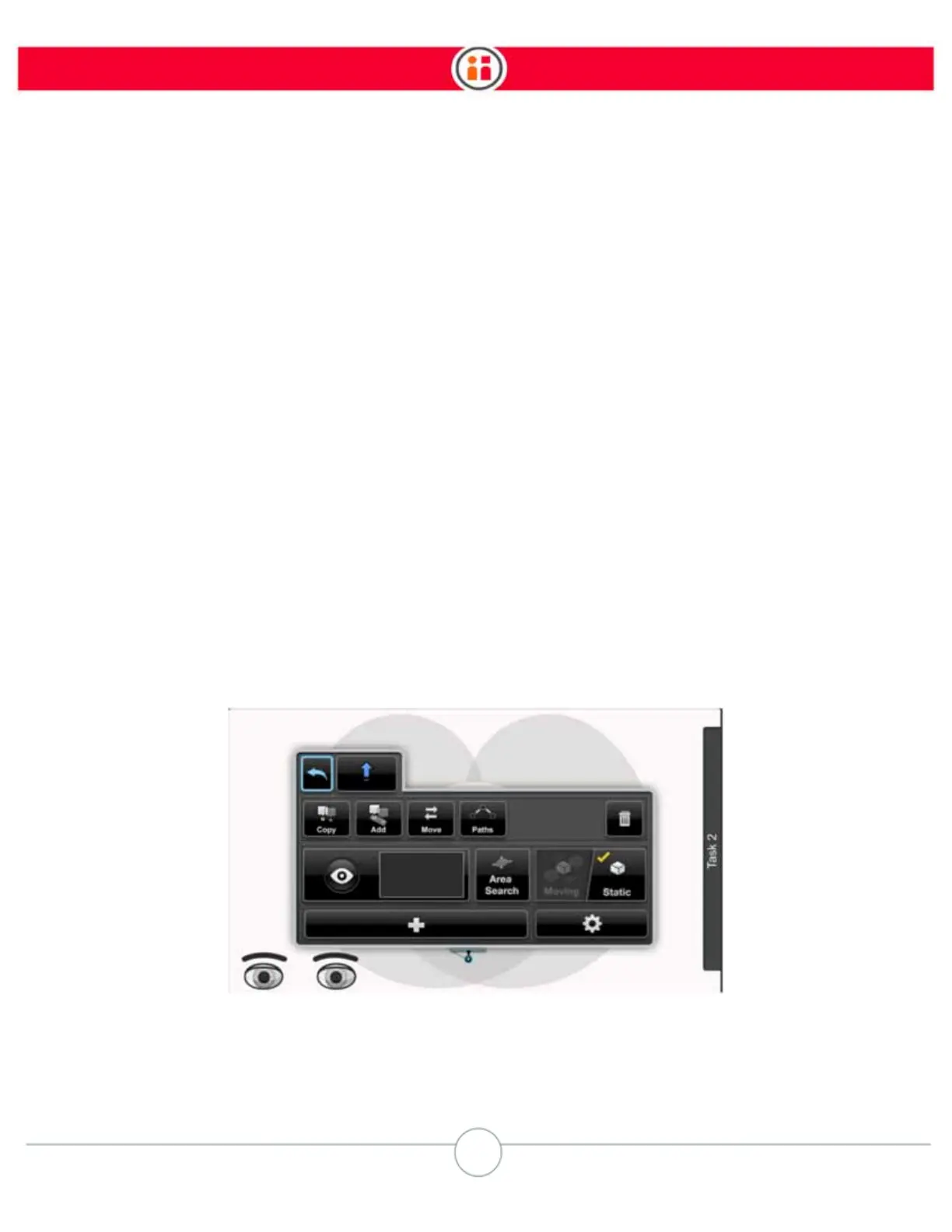
To train a Pick using vision:
1. If there isn’t already a Pick action, create one.
2. Highlight the Pick on the Task Map and press OK on the Navigator.
Baxter displays the Pick’s modify panel.



 To Next Page