38
Intera 3.2
Training and Managing Tasks
3. Scroll to the Area Search icon and press OK.
4. Define a search area for the Pick. (For details on how to create a search area, see
“Customizing the Size of a Visual Search Area” on page 64.)
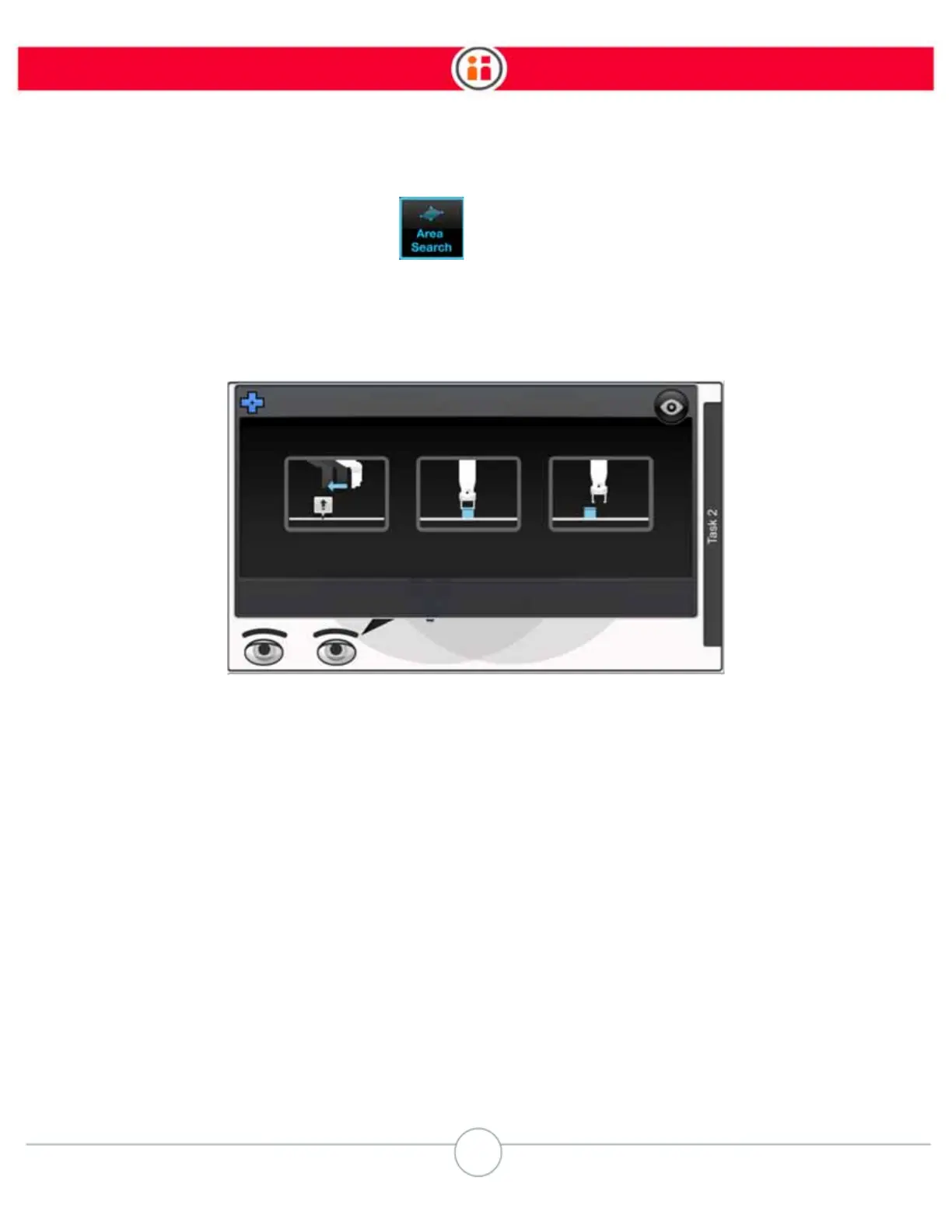
5. Select the Train button on the object learning screen and press OK.
Baxter moves to the Pick location, briefly grabs the object to line it up with its camera, then takes a
series of pictures of the object from several heights. A series of images of the object are displayed
in order from closest to furthest view.



 To Next Page