39
Intera 3.2
Training and Managing Tasks
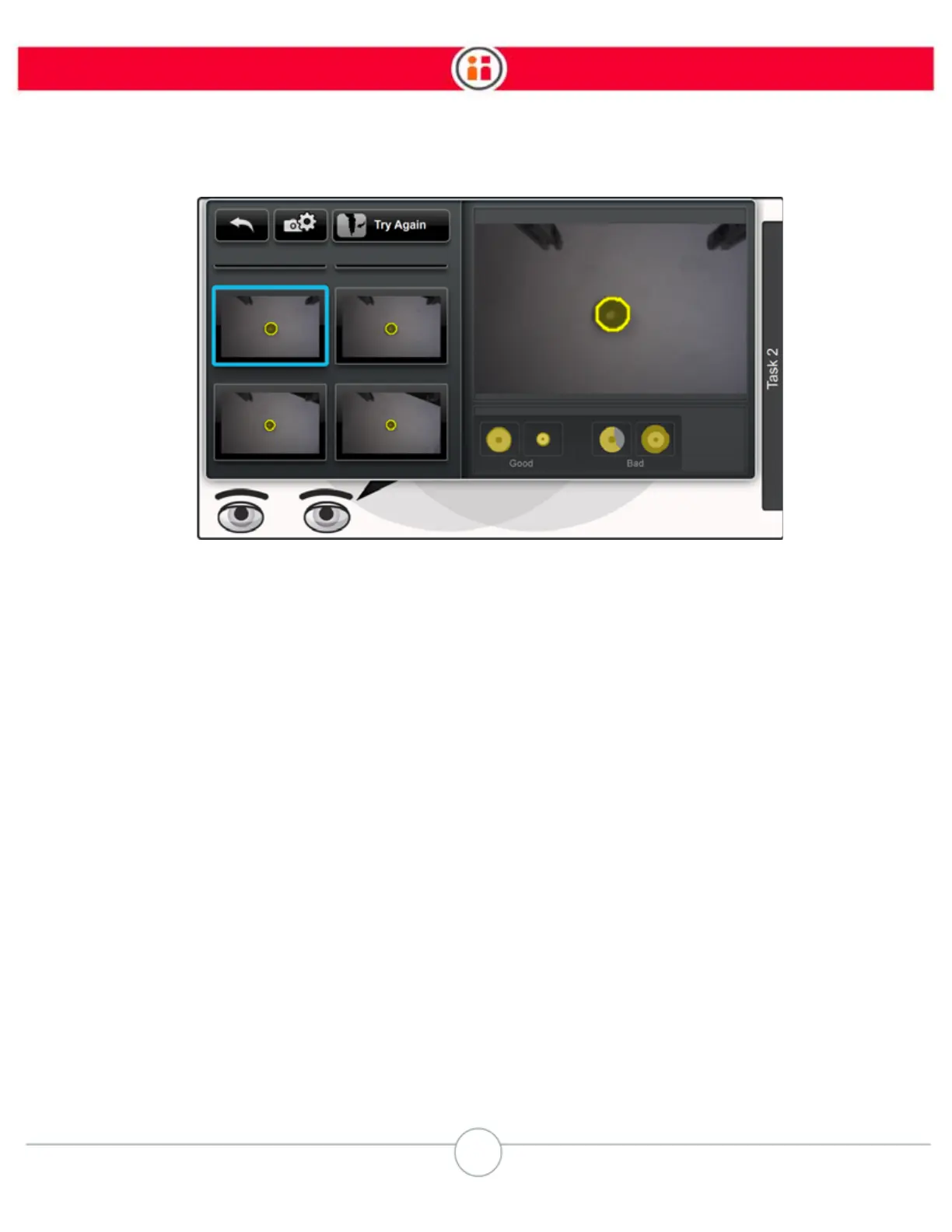
Generally, Baxter will be able to recognize the object if the yellow overlay completely outlines the
object.
6. If Baxter cannot recognize the object, first try again, keeping in mind the
troubleshooting tips (See “Troubleshooting tips:” on page 44) You can also adjust
the camera settings (See “Camera Settings” on page 45.)
7. If that doesn’t work, retrain the grippers. (Go to Settings -> Hardware -->
Configure End Effectors (image below). Retraining the grippers is a process in
which Baxter learns what the grippers look like so they can be ignored while
looking for objects. When retraining, ensure all blue or yellow pixels are removed
from the screen except for the gripper fingers or vacuum cup.



 To Next Page