47
Intera 3.2
Training and Managing Tasks
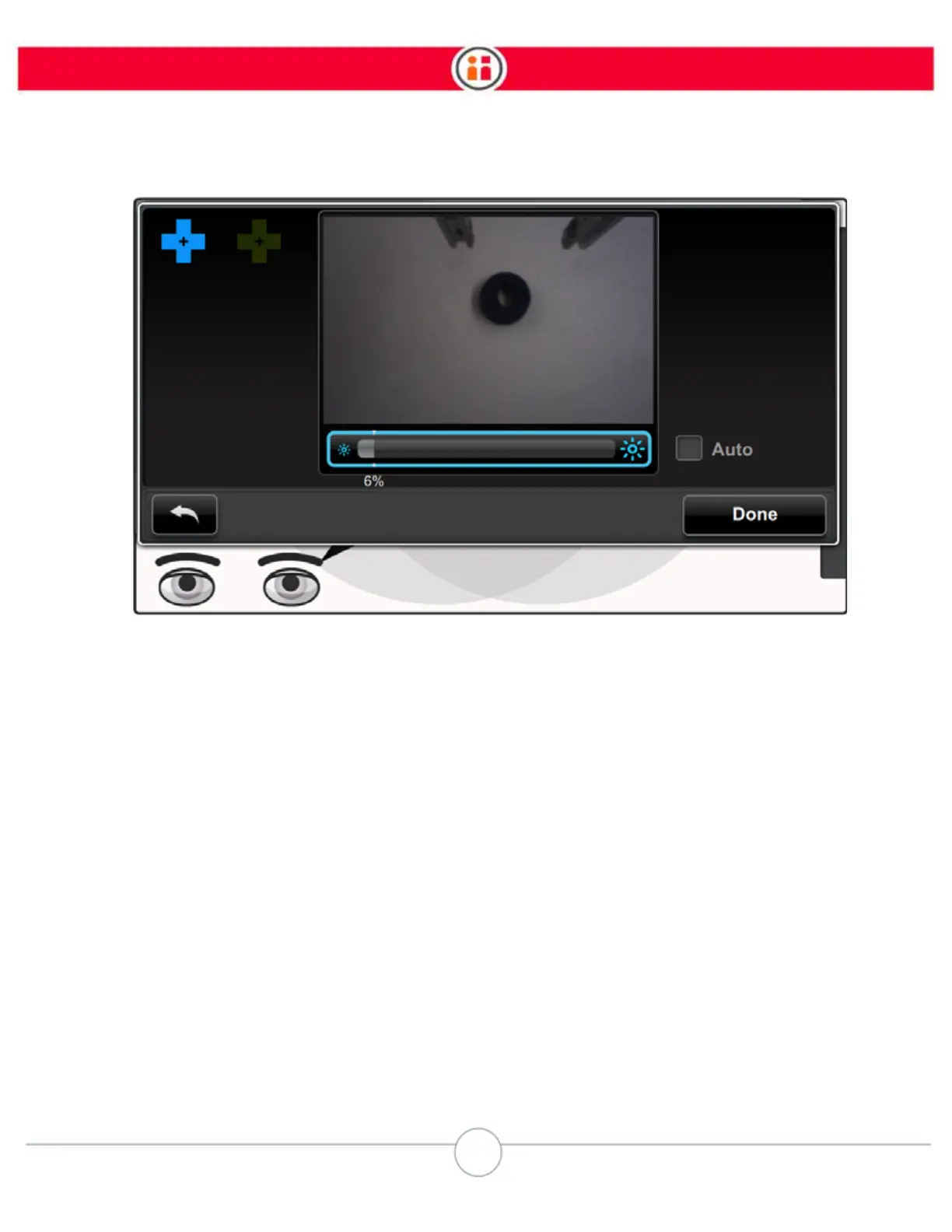
There is a slider underneath a live camera image of the active camera’s arm. You can scroll among
the slider, the “Auto” option, the Back button, and the Done button. (If “Auto” is active, the slider is
not needed, therefore it’s not highlighted.)
1. Press OK to activate the slider.
2. Scroll to move the slider left or right.



 To Next Page