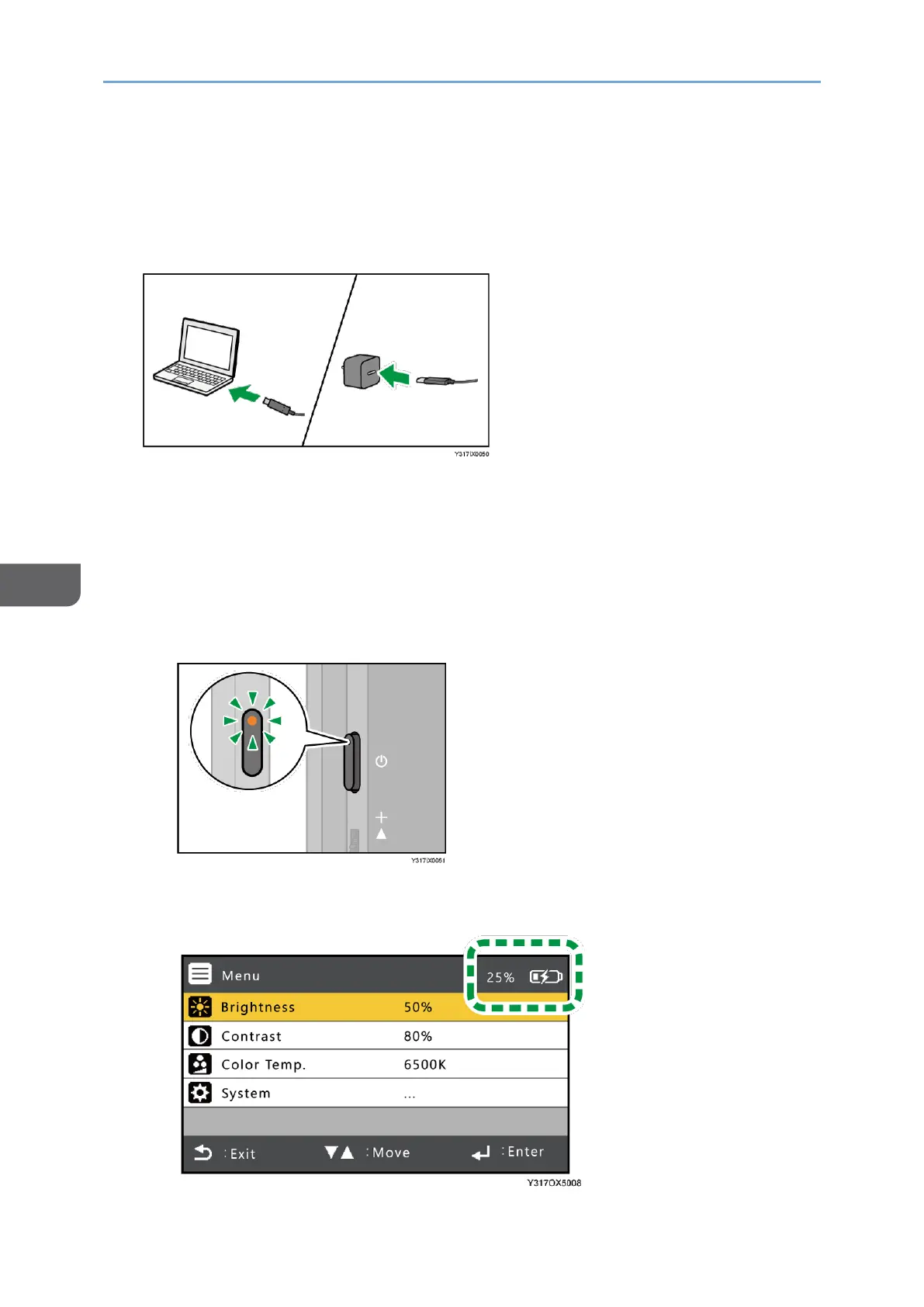
• Make sure to use a commercially available USB PD charger with an output of 20
W or more.
1. Connect the USB Type-C cable connected to the USB port of this machine to a
device that supports the USB PD standard or to a commercially available USB PD
charger.
2. When connected to a device that supports the USB PD standard, make sure that
the device is ready to supply power. When connected to a USB PD charger, plug
the USB PD charger into an outlet.
This machine starts charging.
The charging status can be checked as follows:
• When this machine is turned OFF
The power LED is lit orange while charging.
• When this machine is turned ON
The battery icon in the On-screen Display menu shows the charging status.










 To Next Page