3. When charging is complete, remove the USB Type-C cable from the device. If
using a USB PD charger, unplug the USB PD charger from the power outlet.
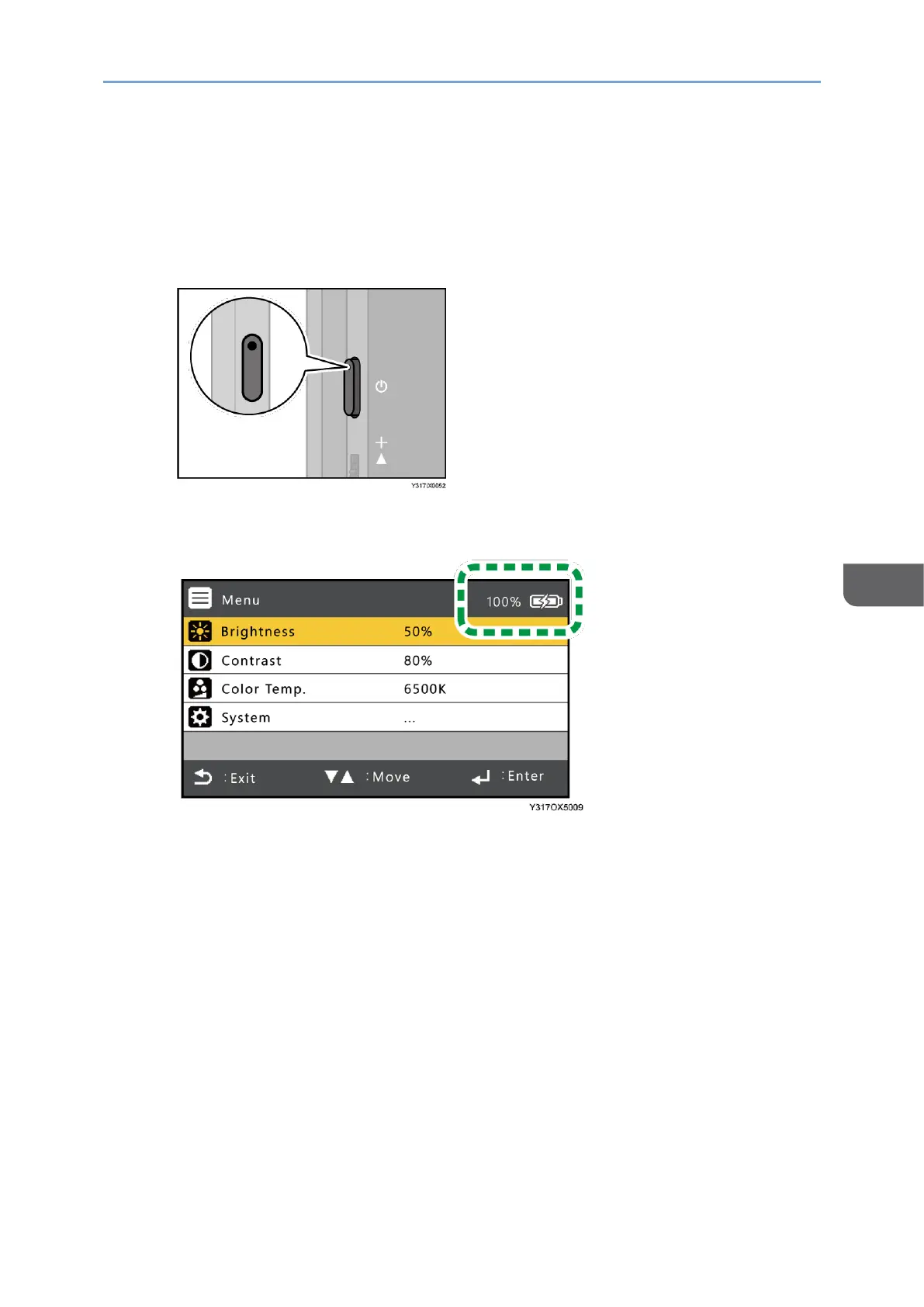
To check when charging is complete:
• When this machine is turned OFF
The power LED turns OFF.
• When this machine is turned ON
The battery level indicator in the On-screen Display menu shows 100%.










 To Next Page