About the Wireless Connection Screen
51
• page 92 "Ending a Connection"
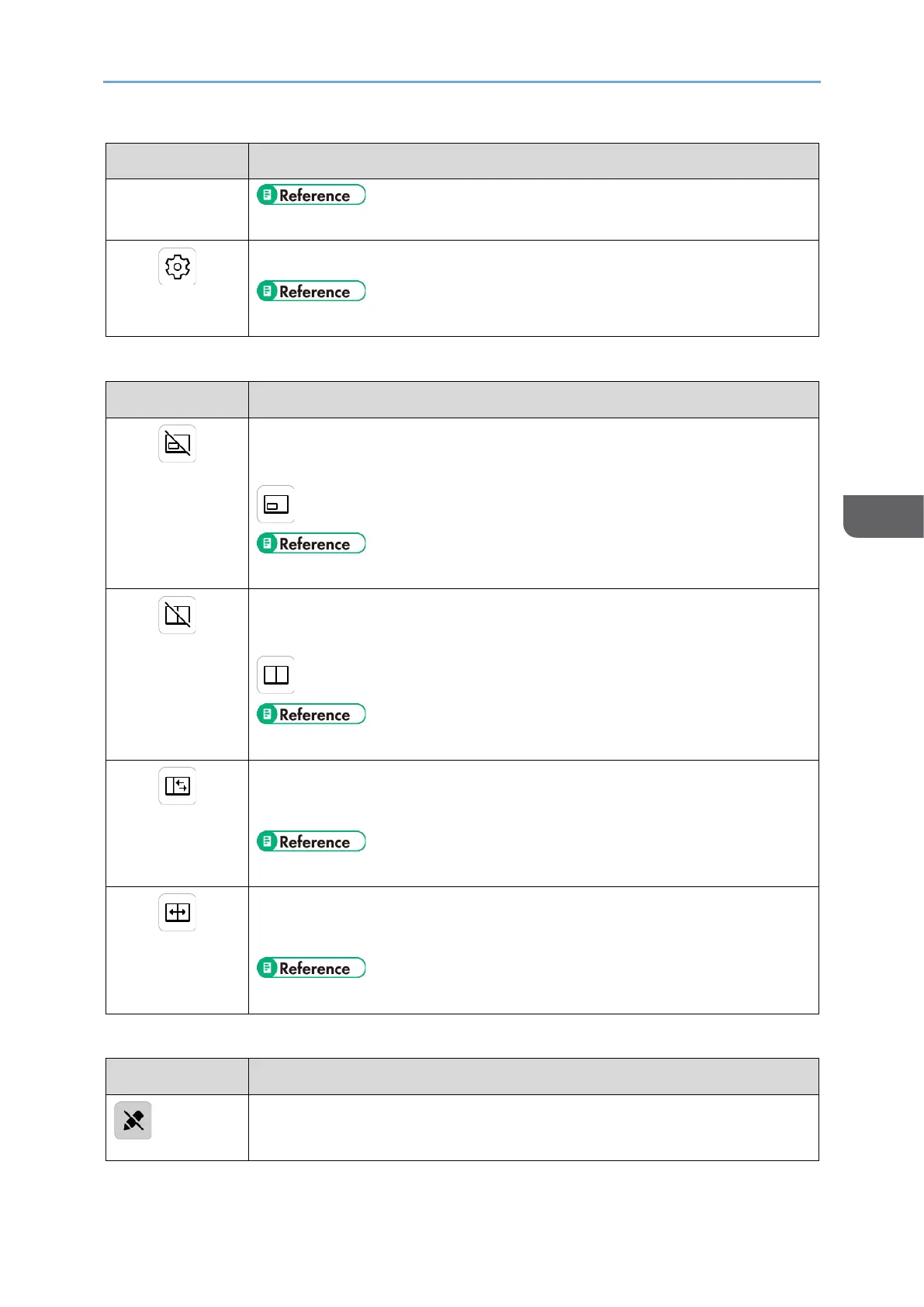
Displays the Settings screen
• page 97 "Changing Wireless Connection Settings"
Icons displayed only when connected to two devices
Turns the sub-screen display ON/OFF
When turned ON, the icon will display the following:
• page 88 "Displaying the Sub-screen"
Toggles the split screen ON/OFF
When turned ON, the icon will display the following:
• page 90 "Splitting the Screen"
Switches the split screen position in three levels
This icon appears only when the split screen is turned ON.
• page 90 "Switching the split position"
Swaps the screen positions
This icon appears only when the split screen is turned ON.
• page 91 "Switching the screen placement"
Icons displayed only when connected to RICOH Monitor Multicast for Windows
Cannot perform touch operations
This icon is displayed in the following cases:










 To Next Page