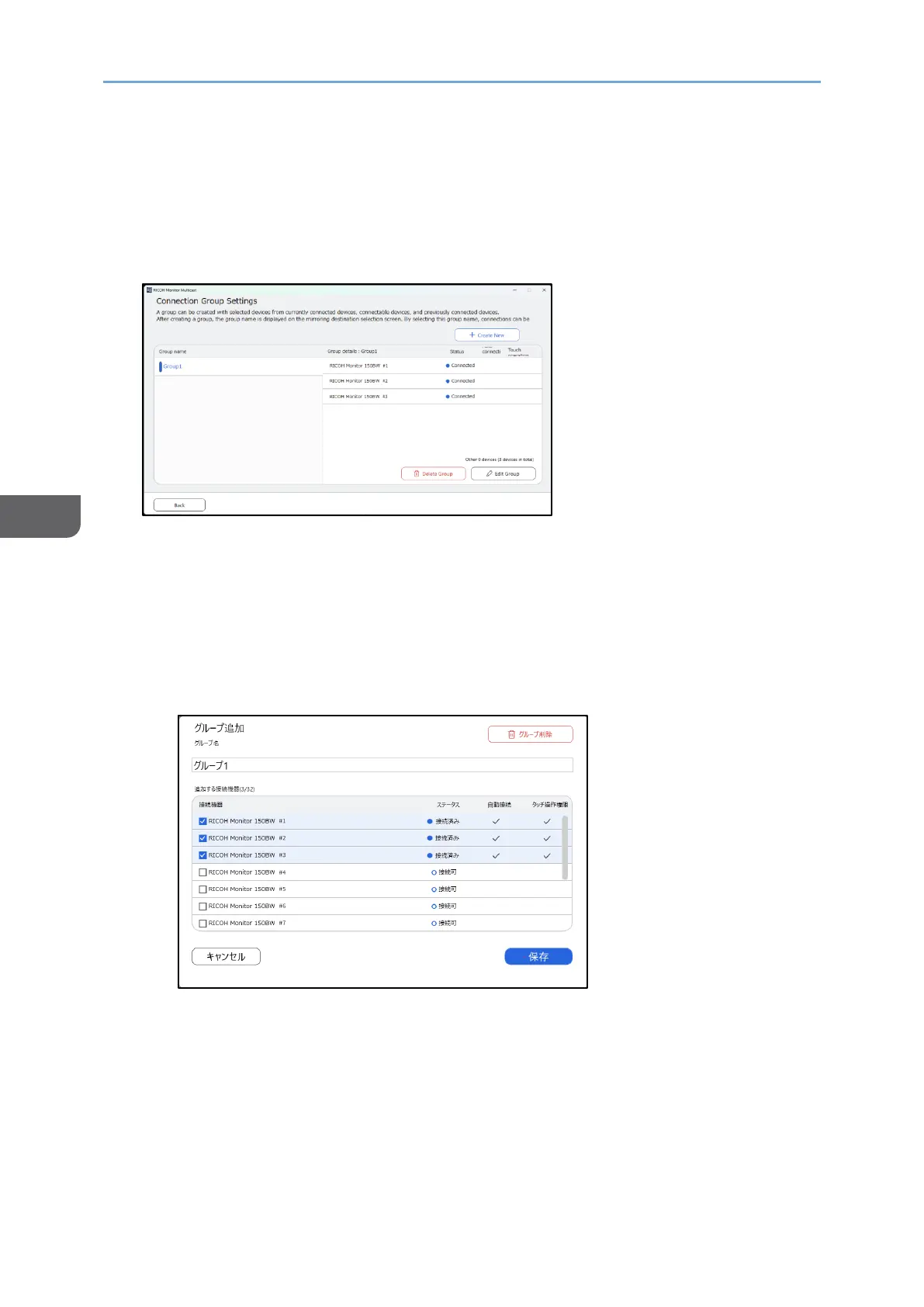
Editing the created group
You can change the group name and adding RICOH Monitors belonging the created
group.
1. In the "Connection Group Settings" screen, click the group name you want to edit,
and then click "Edit Group".
2. Edit the group.
• When editing the group name, enter a new group name in the "Group name"
field.
• When adding other RICOH Monitors to this group, check the checkboxes of
RICOH Monitors you want to add.
• When deleting the RICOH Monitors from this group, uncheck the checkboxes of
RICOH Monitors you want to delete.
3. Click [Save].










 To Next Page