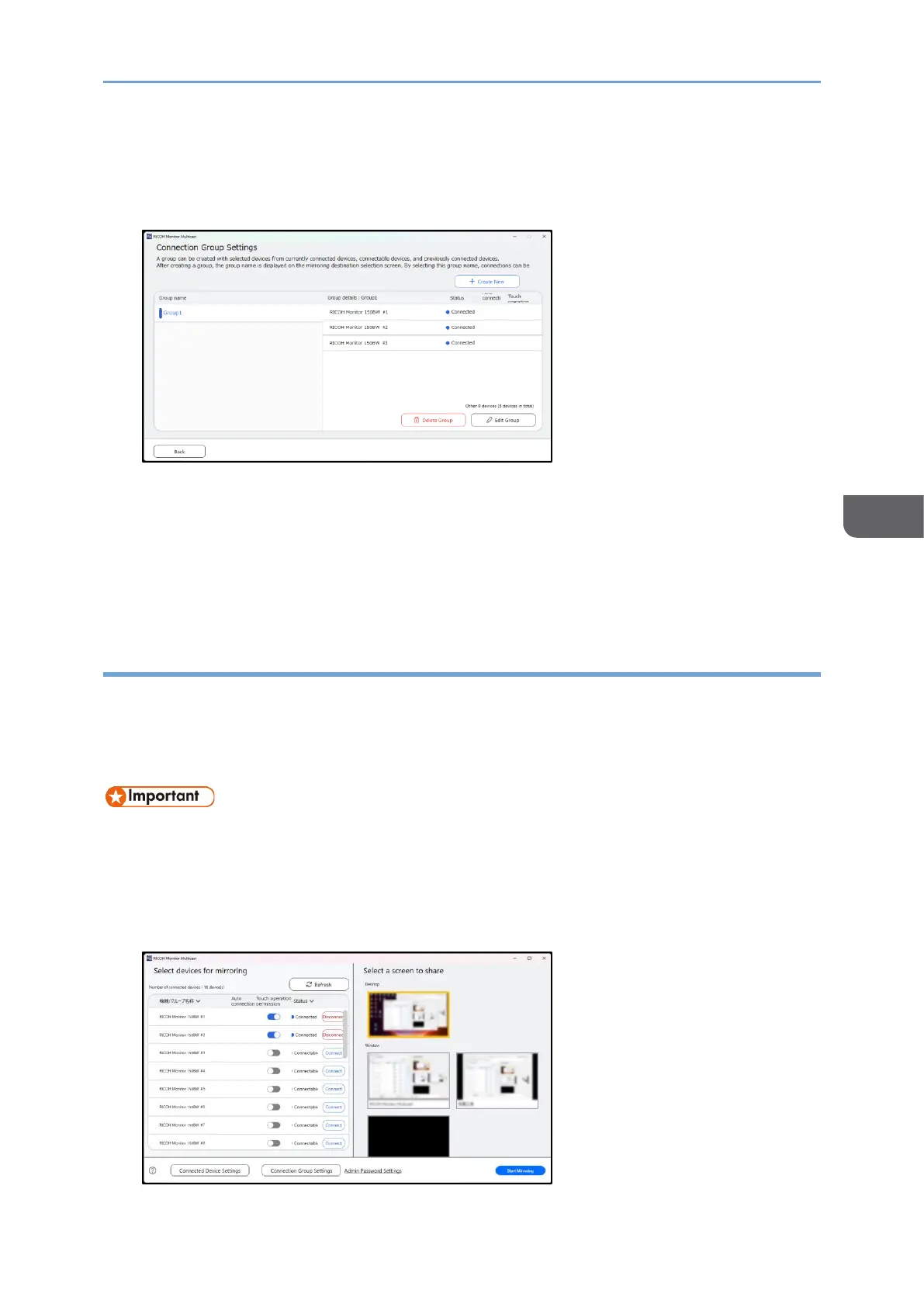
Deleting the group
1. In the "Connection Group Settings" screen, click the group name you want to
delete, and then click [Delete Group].
2. A confirmation screen will be displayed, then click [OK].
The group is deleted.
The deleted group will be also removed from the "Device/Group name" list in the
"Select Devices for Mirroring" screen.
Specifying authentication by the admin password
When you specify authentication by the admin password, the entry of a password is
required to open the "Connected Device Settings" screen and the "Admin Password
Settings" screen. This setting prevents those who are not the administrator from
changing the settings of connected devices.
• Once you set the authentication by password, the settings cannot be cancelled.
• The password cannot be issued again. If you forget the password, uninstall the
application, and then install it again. Note that when you uninstall the
application, its saved data will be deleted, and cannot be restored.
1. In RICOH Monitor Multicast for Windows, click [Admin Password Settings].










 To Next Page