6. Using the Machine to Perform
Operations on a Computer Screen
This chapter explains how to perform operations on a computer screen displayed on the machine using
IWB Remote Desktop Software.
This section explains operations for Windows 7 and Mac OS 10.11.
IWB Remote Desktop Software Overview
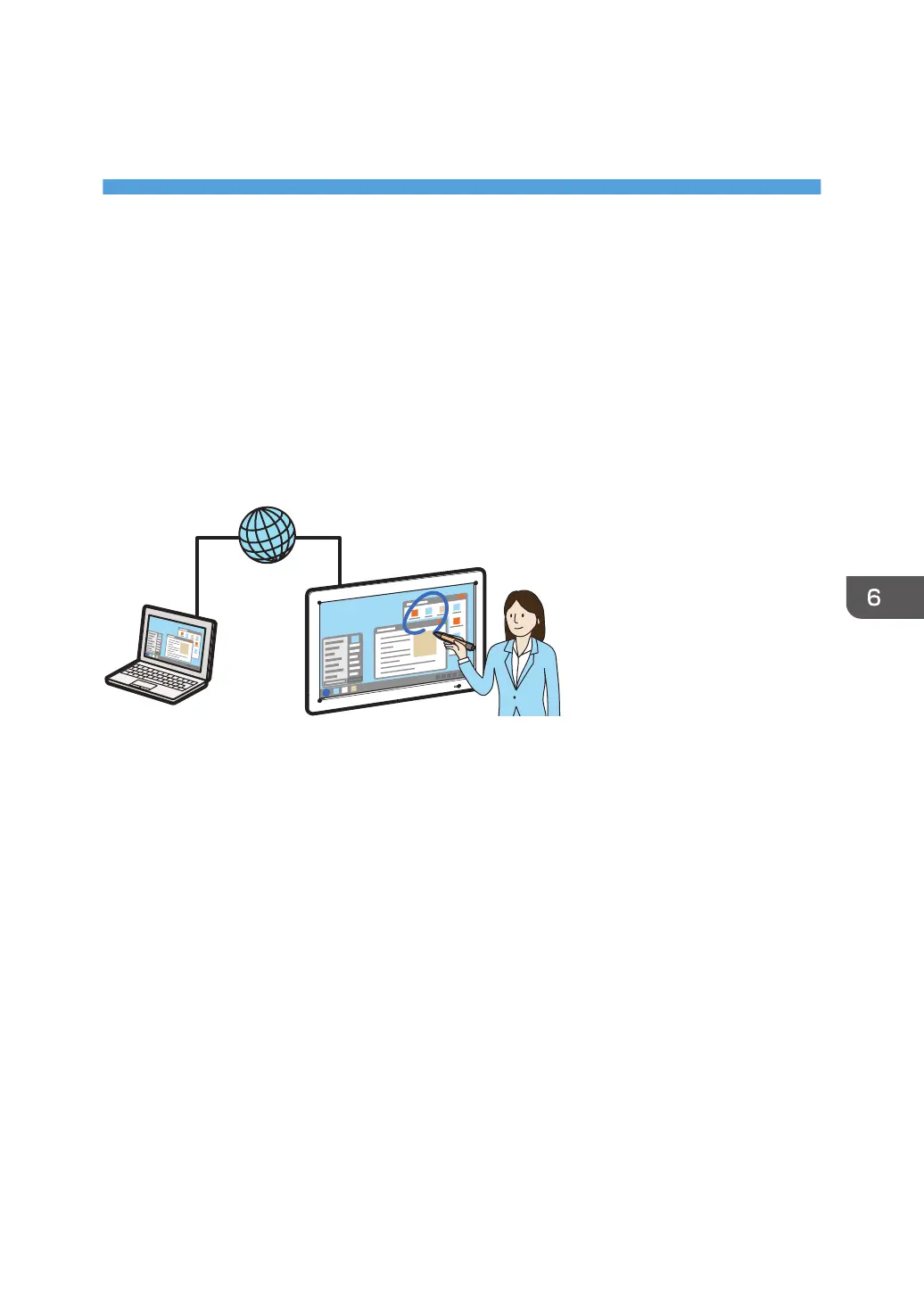
After you install IWB Remote Desktop Software on your computer, you can display a computer screen
via a wireless LAN. You can also perform operations on the computer screen from the display of the
machine.
109



 To Next Page