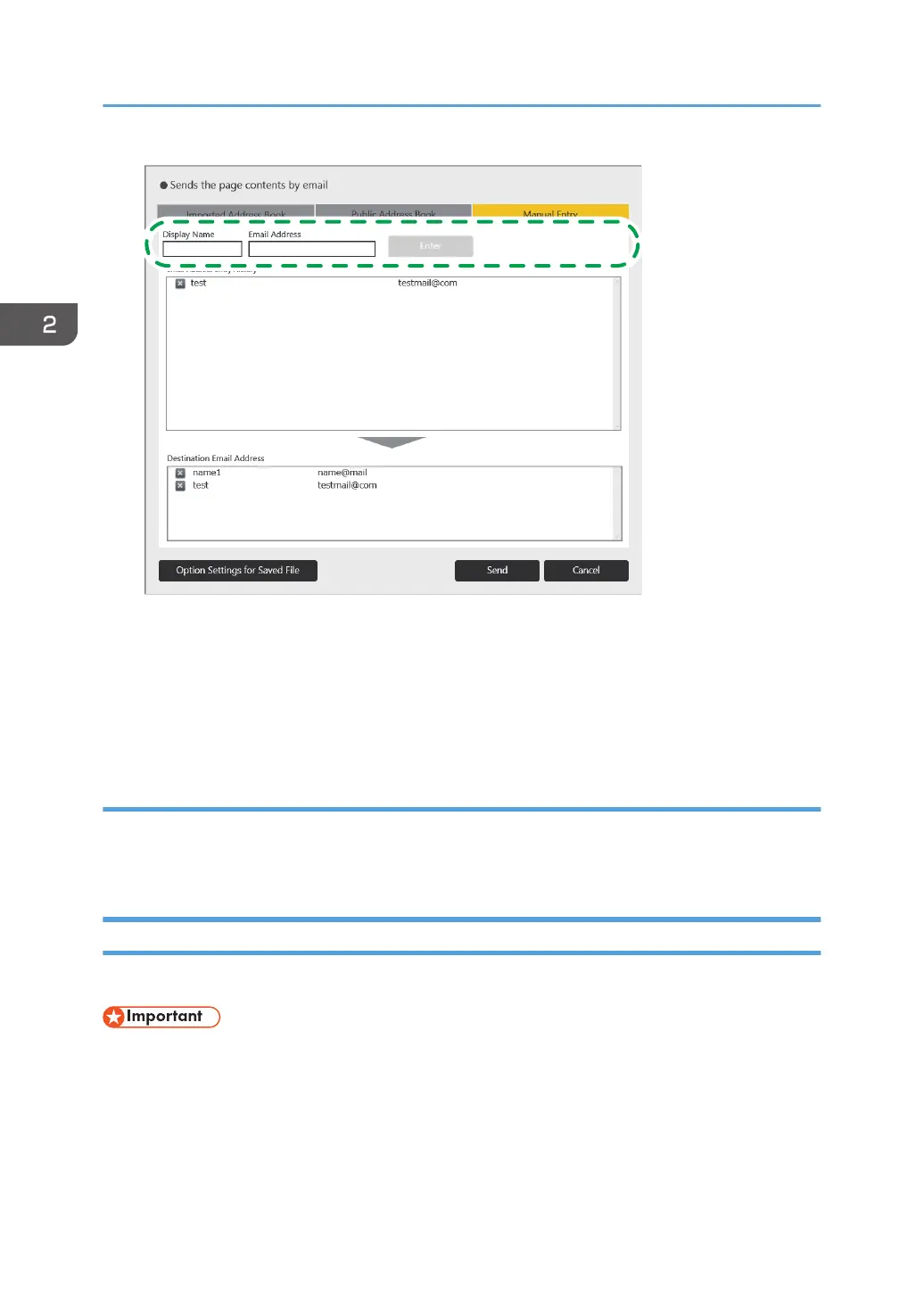
3. Touch [Enter].
The name and e-mail address of the destination is added to the "Destination Email Address" list.
When you delete the entered e-mail address, touch the e-mail address you want to delete on the
list.
Selecting e-mail addresses from email address entry history
1. Touch the e-mail address of the destination in the "Email Address Entry History" list.
The selected e-mail address is added to the "Destination Email Address" list.
Printing
This section explains how to print pages.
• Before printing, configure the network and print settings. For details about how to configure the
network settings, see page 149 "Configuring Network Settings". For details about how to
configure the print settings, see page 190 "Changing the Print Settings".
• Printer types supported for printing are listed below.
• Printer or multifunction printer supporting Universal Printer Driver
2. Using a Whiteboard
70



 To Next Page