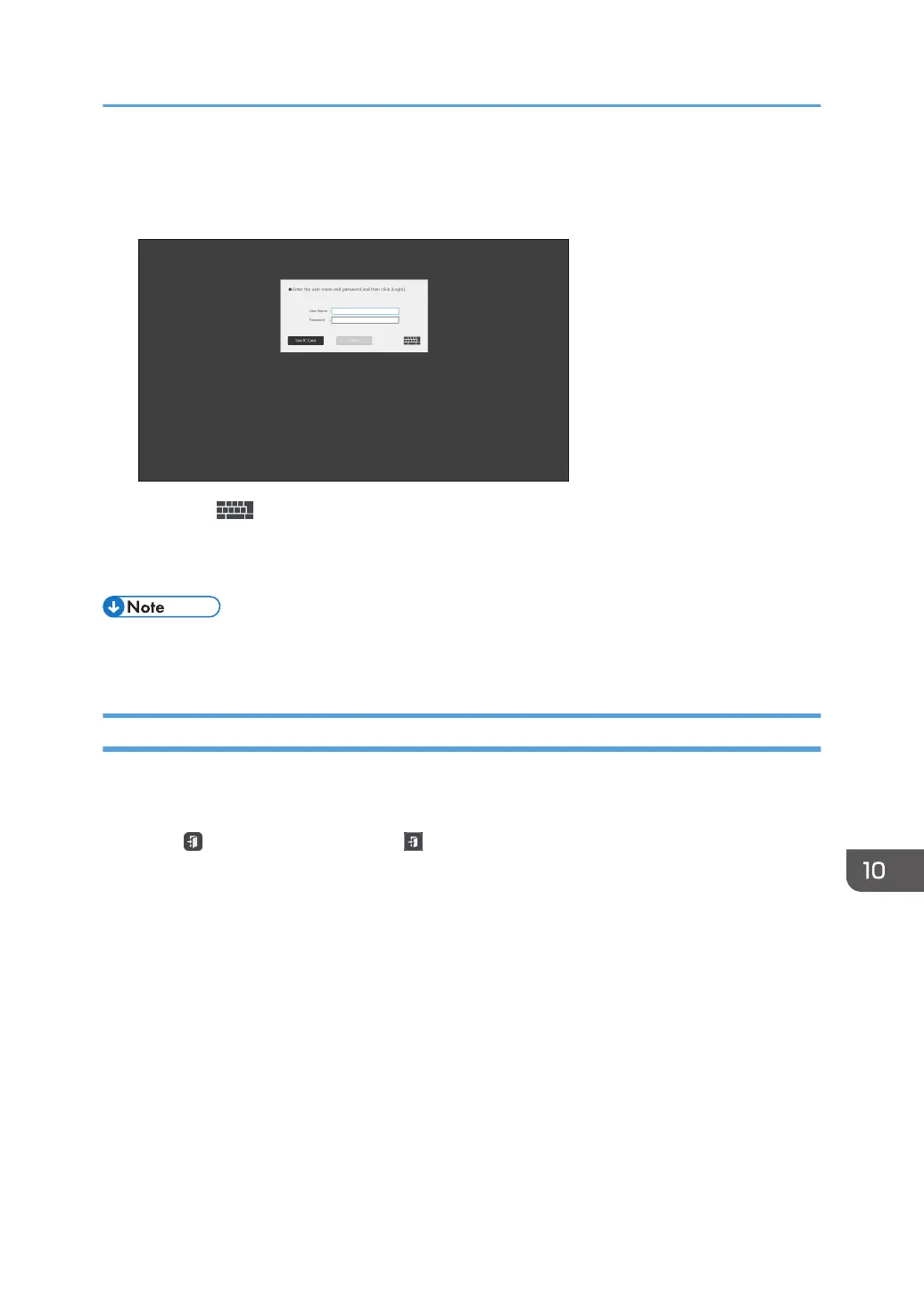
1. Hold your IC card over the card reader.
When using the keyboard
1. Press .
The touch keyboard appears
1. Enter your user name and password, and then touch [Login].
• If you are saving and sending a page by e-mail, the e-mail address of the logged-in user will be
automatically set as the destination and sender addresses.
Logging out
To log out, perform one of the following operations:
• Hold your IC card over the card reader while logging in.
• Touch on the whiteboard screen or on the floating toolbar to switch to the standby mode.
• Turn the machine off.
Managing the Machine with RICOH Streamline NX
247



 To Next Page