Adjusting the Display
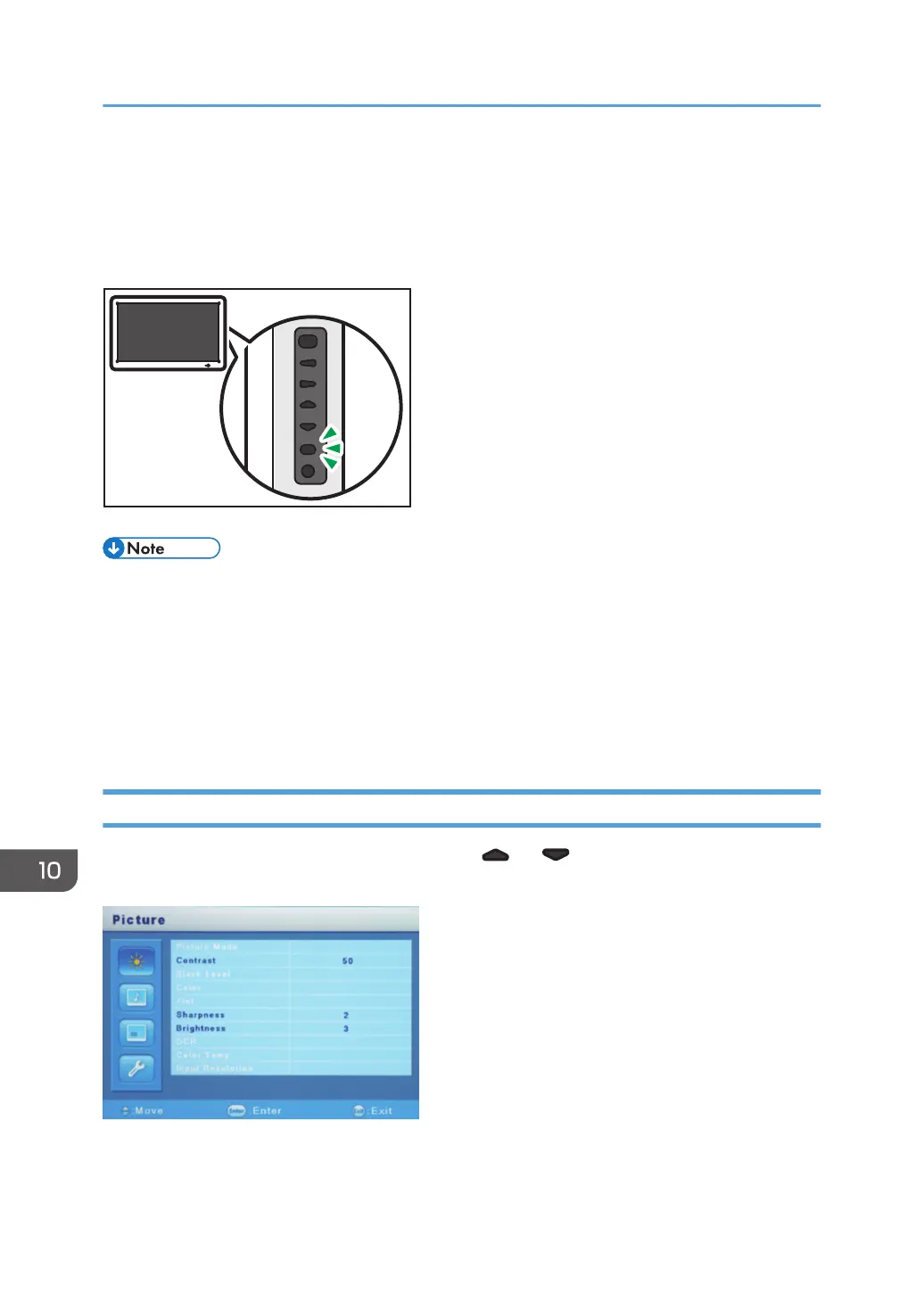
To adjust the display, use the [Menu] button on the side to display the menu.
This section explains how to adjust the display setting of RICOH Interactive Whiteboard D5510.
• For the procedure to adjust the display setting of RICOH Interactive Whiteboard D6500/D8400,
see Operating Instructions of RICOH Interactive Whiteboard D6500/D8400. ("If the controller
designed to comply with OPS (Open Pluggable Specification) standard is connected to this
display" in the Operating Instructions corresponds to the regarding description.)
• If no button is pressed for 15 seconds, the menu automatically disappears. To hide the menu
manually, press the [Menu] button again.
• Only those items that can be set are displayed on the menu.
Adjusting the Image Quality of the Display
Press the [Menu] button to display the menu, press the [ ] or [ ] button on the side of the display to
select "Picture", and then press the [Enter/Input] button.
The "Picture" menu has the following items that can be adjusted:
10. Appendix
260



 To Next Page