Cutting, Copying, or Pasting Strokes
You can select, cut, copy, or paste a stroke already drawn on the screen.
Cutting or Copying Strokes
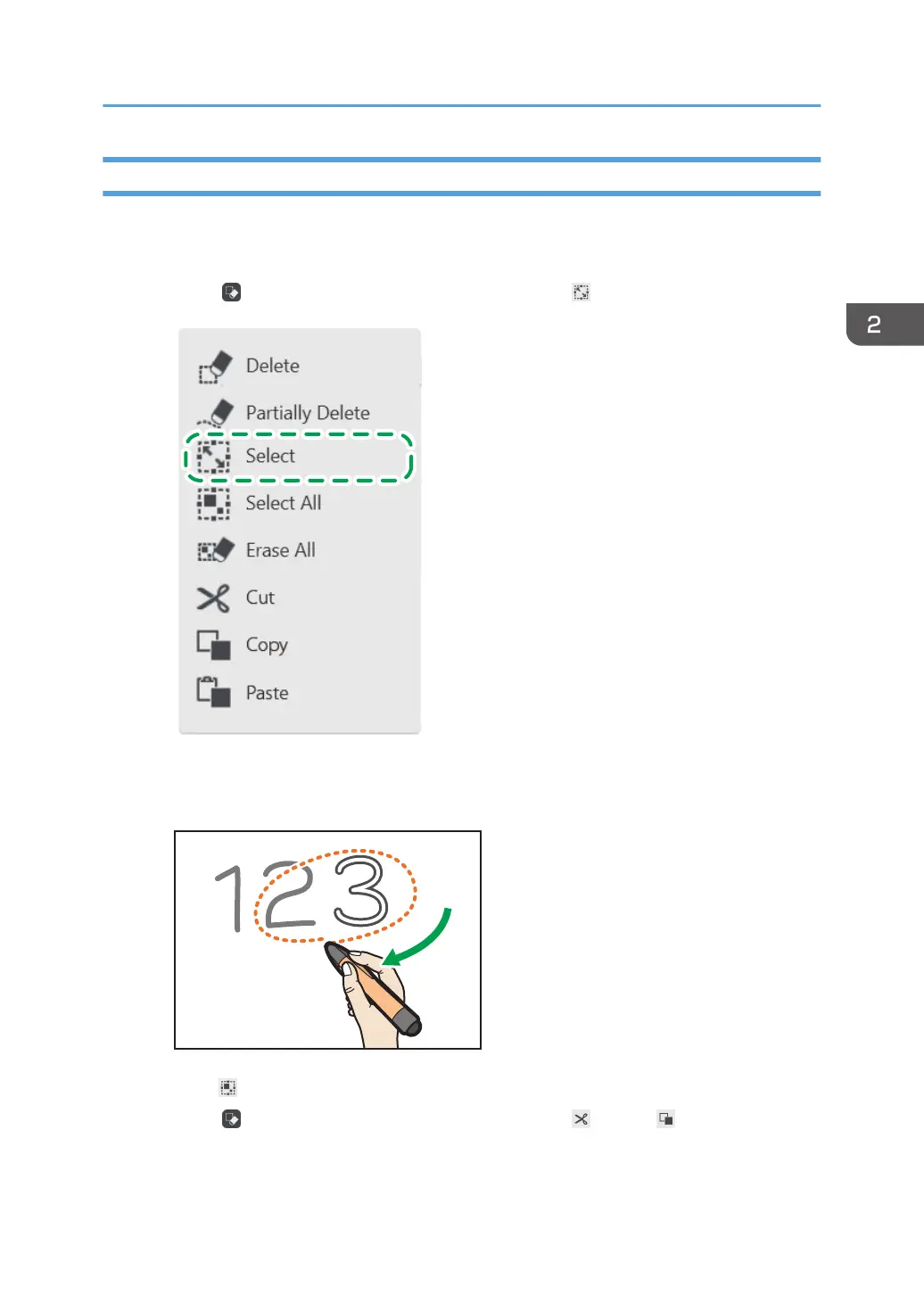
1. Touch , the Select and Delete icon, and then touch , the Select icon.
2. Enclose a stroke with the pen nib to select the stroke you want to cut or copy.
You can select a single stroke by touching it.
Touch [Select All] to select all strokes on the page.
3. Touch , the Select and Delete icon, and then touch [Cut] or [Copy].
Touching [Cut], you can erase the stroke.
Basic Operations
43



 To Next Page