• Information about sent mail
• Print information
• User authentication log (if RICOH Streamline NX is used)
Saving the Log to a USB Flash Memory Device
• To download the log from the Web page of the machine, click [Log Download] in Administrator
Settings.
1. Insert a USB flash memory device into a USB port.
Insert only one USB flash memory device.
For details about how to connect a USB flash memory device, see page 27 "Inserting a USB Flash
Memory Device".
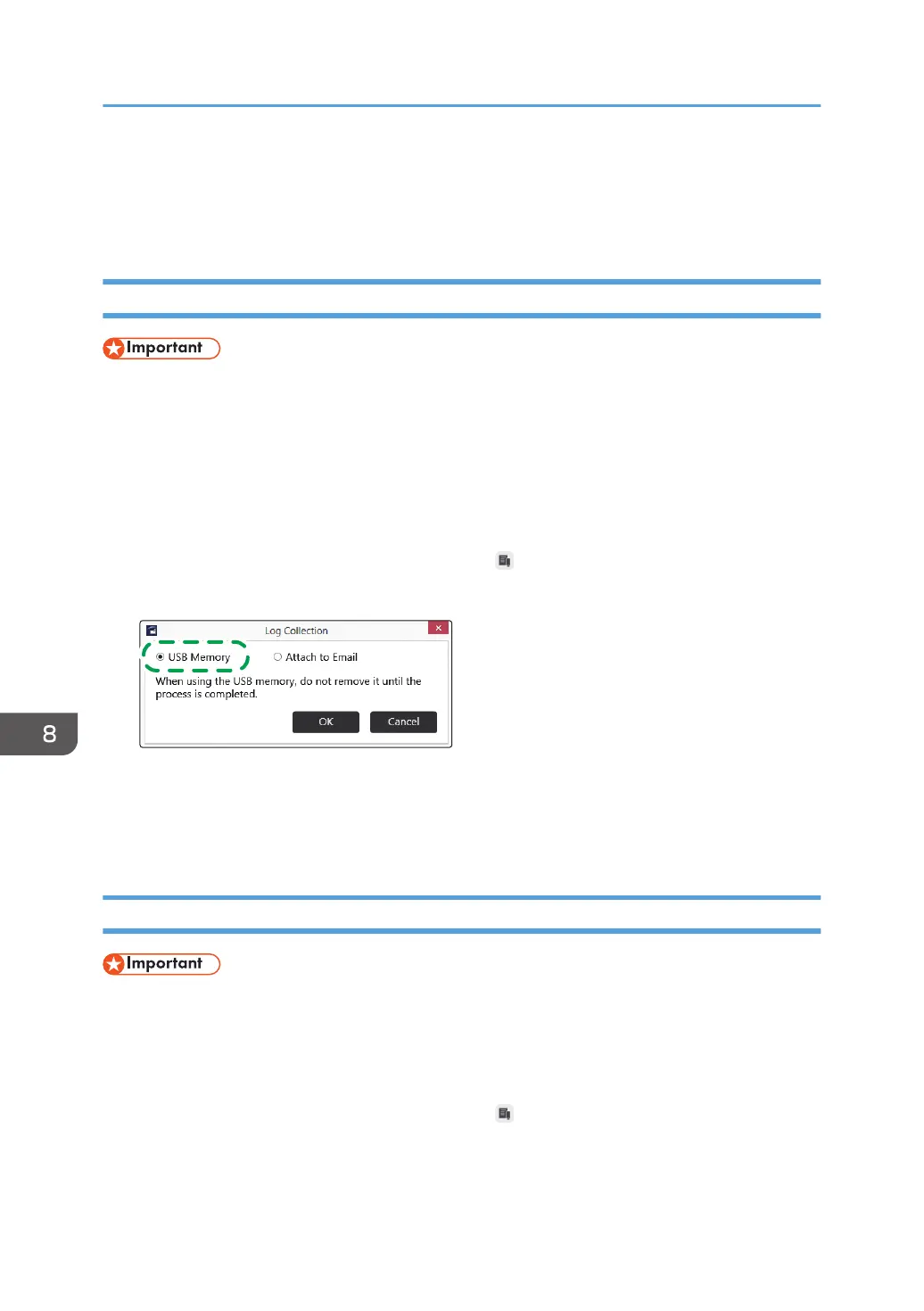
2. Display Administrator Settings, and then touch , the Log Collection icon.
3. Select "USB Memory".
4. Touch [OK].
The log is saved to the root directory (the topmost directory) of the USB flash memory device.
5. Touch [OK].
Attaching the Log to E-mail
• Logs can be sent via e-mail only from the whiteboard.
You must first configure the network and SMTP server settings to send a log by e-mail. For details about
how to configure the Network Settings, see page 149 "Configuring Network Settings". For details about
how to configure the SMTP Server Settings, see page 157 "Configuring SMTP Server Settings".
1. Display Administrator Settings, and then touch , the Log Collection icon.
8. Changing the Interactive Whiteboard Settings
178



 To Next Page